1
Align Components
Align Components
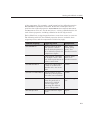
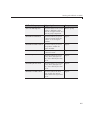
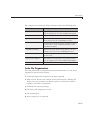
In this section...
“Align Objects Tool” on page 6-89
“Property Inspector” on page 6-92
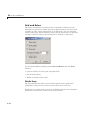
“Grid and Rulers” on page 6-96
“Guide Lines” on page 6-96
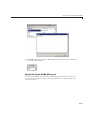
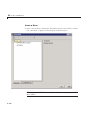
Align Objects Tool
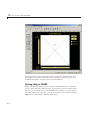
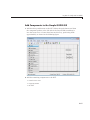
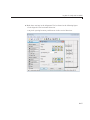
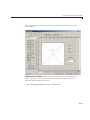
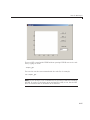
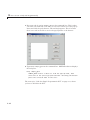
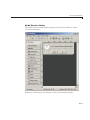
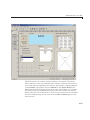
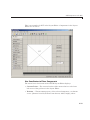
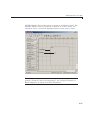
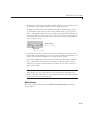
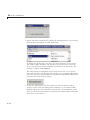
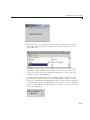
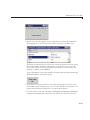
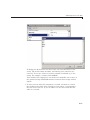
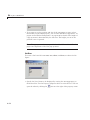
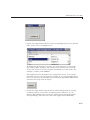
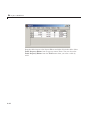
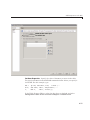
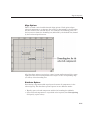
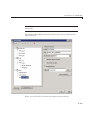
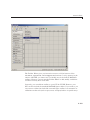
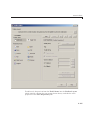
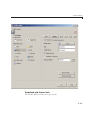
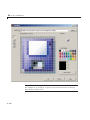
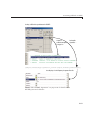
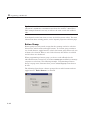
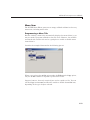
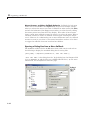
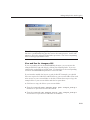
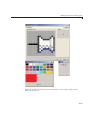
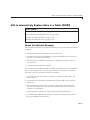
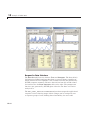
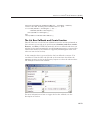
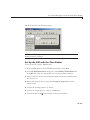
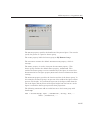
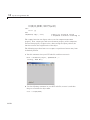
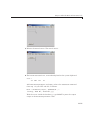
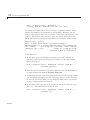
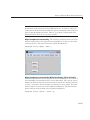
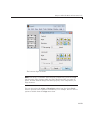
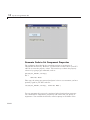
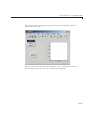
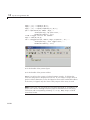
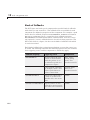
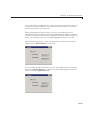
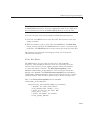
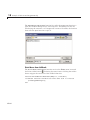
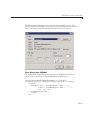
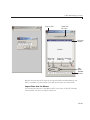
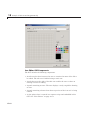
The Align Objects tool enables you to position objects with respect to each
other and to adjust the spacing between selected objects. The specified
alignment operations apply to all components that are selected when you
press the Apply button. To open the Align Objects tool in the GUIDE Layout
Editor, select Tools > Align Objects.
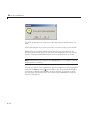
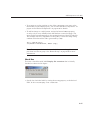
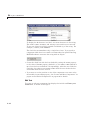
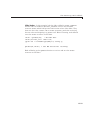
Note To select multiple components, they must have the same parent. That
is, they must be contained in the same figure, panel, or button group. See
“Select Components” on page 6-80 for more information.
6-89