1
Projection Operations
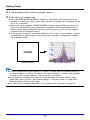
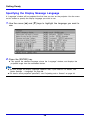
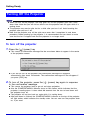
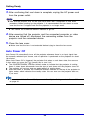
Full-screen Display of an RGB Image
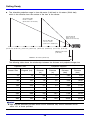
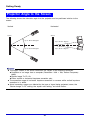
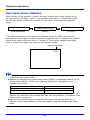
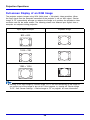
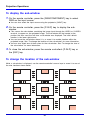
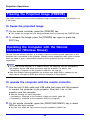
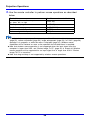
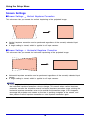
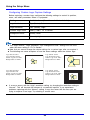
The projector outputs images using XGA (1024 pixels × 768 pixels) video resolution. When
the input signal from the computer connected to the projector is not an XGA signal, “Resize
Image To Fit” automatically enlarges or reduces the image so it matches the projector’s video
resolution and fills the entire screen. The following shows how different input signals from a
computer are adjusted during projection.
Input Signal Example
Projected Image
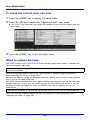
800 × 600
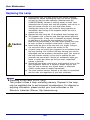
1024 × 768
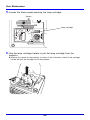
1280 × 1024
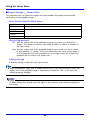
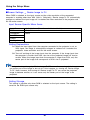
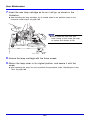
z Resizing of an input image by “Resize Image To Fit” can call coarsening of the image or
can cause part of the image to be cut off. If this happens, try turning off “Resize Image
To Fit”. See “Screen Settings J Resize Image to Fit” on page 81 for more information.
49