1
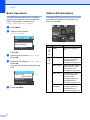
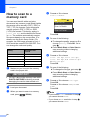
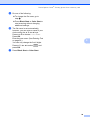
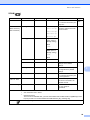
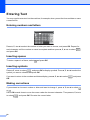
PhotoCapture Center®: Printing photos from a memory card i Do one of the following: To change the file name, go to step j. Press Black Start or Color Start to start scanning without changing additional settings. j The file name is set automatically; however, you can enter a name of your choice using the a, b, d or c keys. Press a or b to choose File Name. Press OK. Enter the new name. (See Entering Text on page 56.) You can only change the first 6 digits. 5 Press a, b, d or c to select OK , and press OK. k Press Black Start or Color Start. 29