1
The software "RF-MANAGER"
8.3 Application mode "Mobile"
8.3.2.2
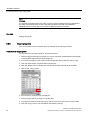
Read tag
Note
Distance limits between the tag and the reader
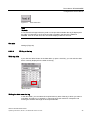
Please observe the maximum distance limits between the reader and the tag when reading a
tag. These depend on the:
• Tag type
• Ambient conditions / fixing method of the tag.
Under favorable conditions, the limit distances are 250 cm.
For additional information, see Technical data (Page 97).
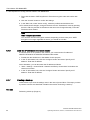
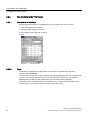
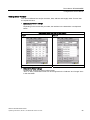
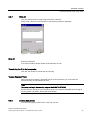
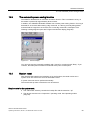
Read tag data
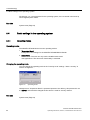
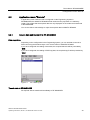
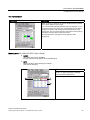
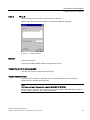
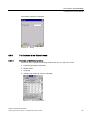
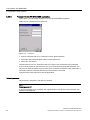
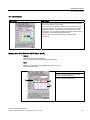
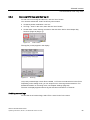
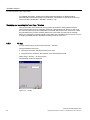
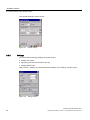
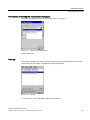
If you click the "Read" button in the data editor (or press <Ctrl+R>), you can read the data
from the tag. The read-in data appears in the editor.
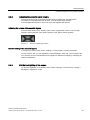
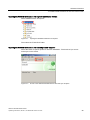
"Read" button
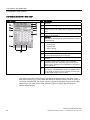
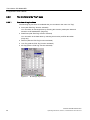
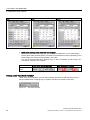
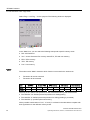
Reading the data area of a tag
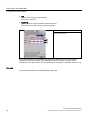
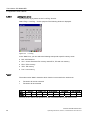
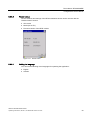
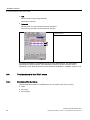
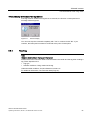
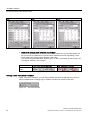
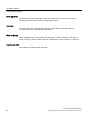
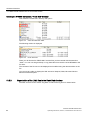
In the data editor, you can use the drop-down list box to select the required memory area of
the tag whose data you want to read, and reduce it, if required, by removing the check mark
from "Complete" and entering the address and length in the respective fields.
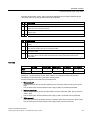
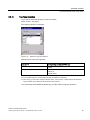
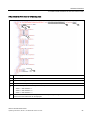
Read complete tag
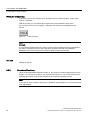
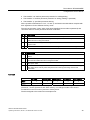
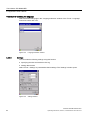
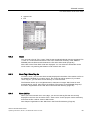
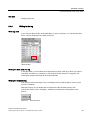
If all memory areas of the tag are to be completely read or written together, set the check
mark for "Complete".
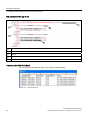
With this function you can display the complete size of the selected memory area.
If the check mark is set for "Complete", "Read all" and "Write all" are displayed on the
buttons.
SIMATIC RF680M Mobile Reader
40
Operating Instructions, 06/2011, J31069-D0241-U001-A2-7618