1
Interactive Set-Up
3.1 - SETTING NETWORK ENVIRONMENT
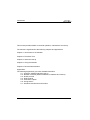
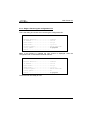
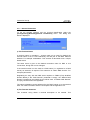
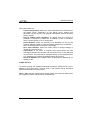
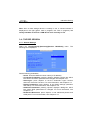
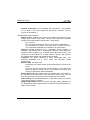
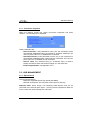
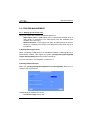
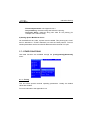
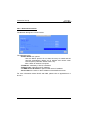
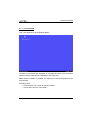
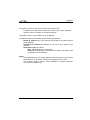
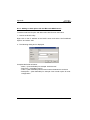
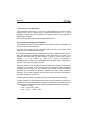
The network settings are available through the [Configuration]-[Network]
menu:
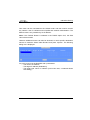
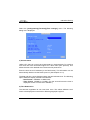
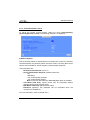
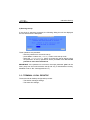
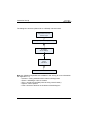
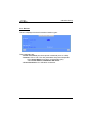
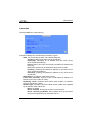
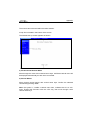
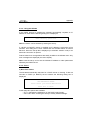
This chapter covers the AX3000 network configuration:
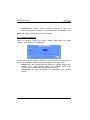
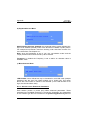
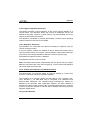
- General Parameters: the terminal identification and the interface
activation
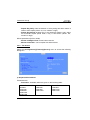
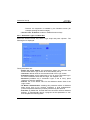
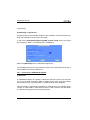
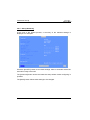
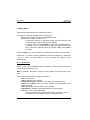
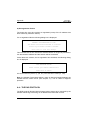
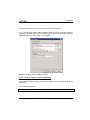
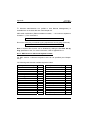
- Ethernet Interface: static or dynamic IP address, DNS protocol and
router management
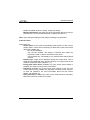
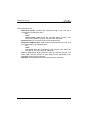
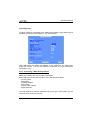
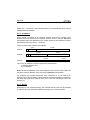
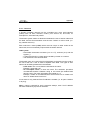
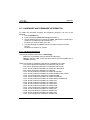
- Servers: manages the server list.
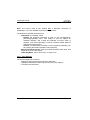
Note: more information is given in the following appendices:
- Appendix A.2: Ethernet addresses, IP addresses, net masks and routers,
- Appendix A.3: DHCP protocol,
- Appendix A.4: DNS protocol.
AX3000 model 80 WMS - User's Manual
17