1
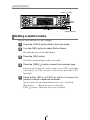
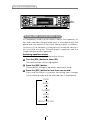
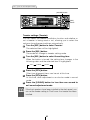
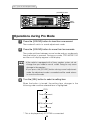
How to operate the tuner
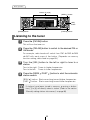
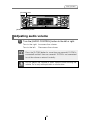
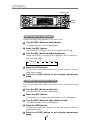
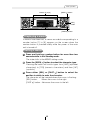
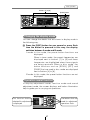
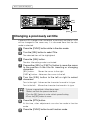
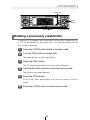
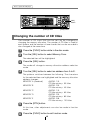
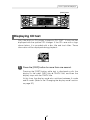
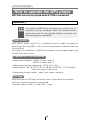
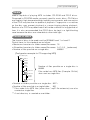
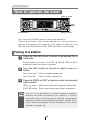
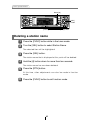
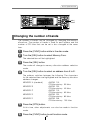
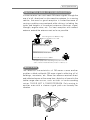
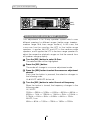
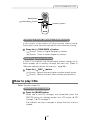
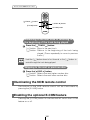
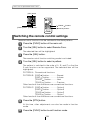
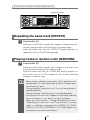
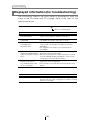
Buttons [1] to [6]
[SEL]
button
[FM AM] button
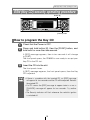
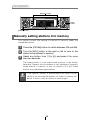
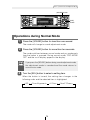
Manually setting stations into memory
This section covers the setting of stations in memory under the
numbered buttons.
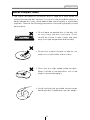
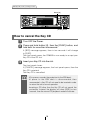
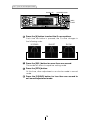
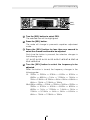
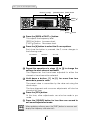
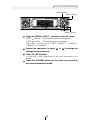
1
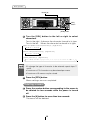
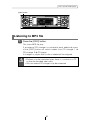
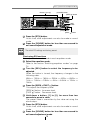
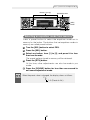
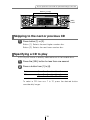
Press the [FM AM] button to switch between FM and AM.
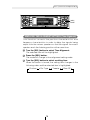
2
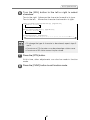
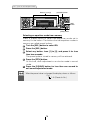
Turn the [SEL] button to the right or left to tune to the
station to be entered in memory.
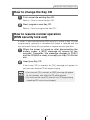
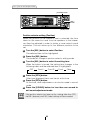
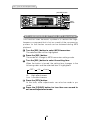
3
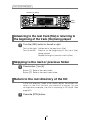
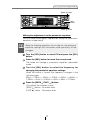
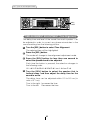
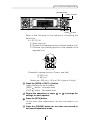
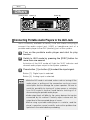
Select any button, from [1] to [6], and press it for more
than two seconds.
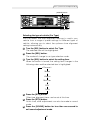
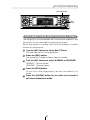
The tuned station is now memorized and set in the button
selected. Repeat the procedure to set additional manually
tuned stations in memory, in turn, for buttons [1] to [6]. These
buttons are called the preset buttons.
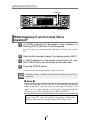
Caution
If the vehicle’s battery is disconnected (for repairs to the
vehicle or for removing the receiver), all stations in memory will
be lost. In such a case, set stations in memory again.
58