1
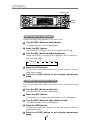
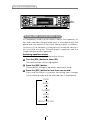
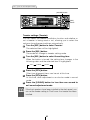
How to operate the tuner
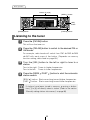
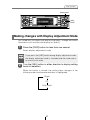
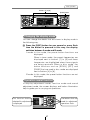
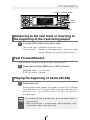
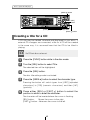
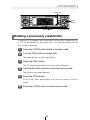
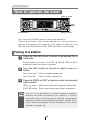
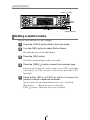
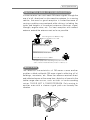
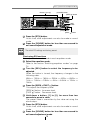
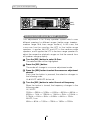
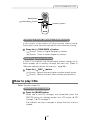
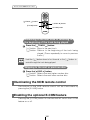
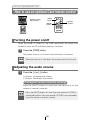
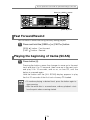
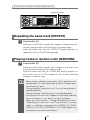
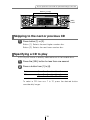
Button [6]
[SEL]
button
[FUNC] button
[RTN] button
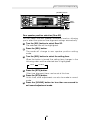
Deleting a station name
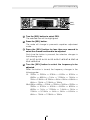
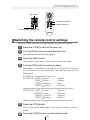
1
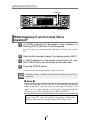
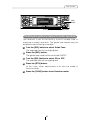
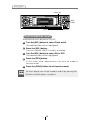
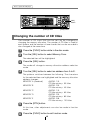
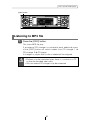
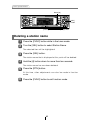
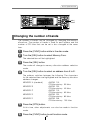
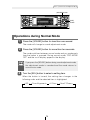
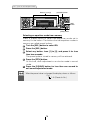
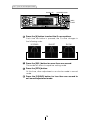
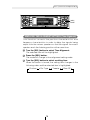
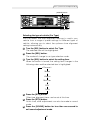
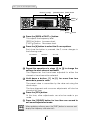
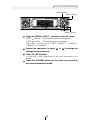
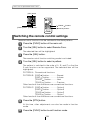
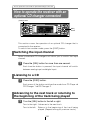
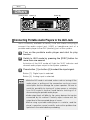
Press the [FUNC] button while in the tuner mode.
2
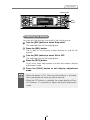
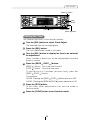
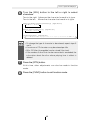
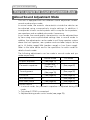
Turn the [SEL] button to select Station Name.
The selected item will be highlighted.
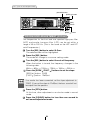
3
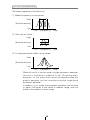
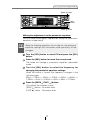
Press the [SEL] button.
The station name that is displayed at this point will be deleted.
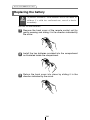
4
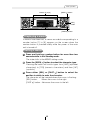
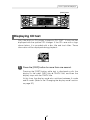
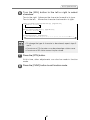
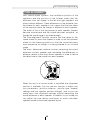
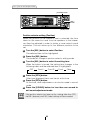
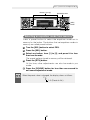
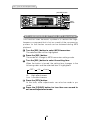
Hold the [6] button down for more than two seconds.
The station name has now been deleted.
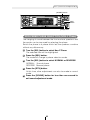
5
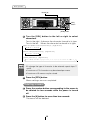
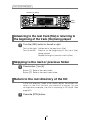
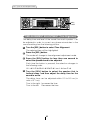
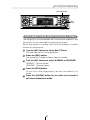
Press the [RTN] button.
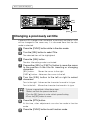
At this time, other adjustments can also be made in function
mode.
6
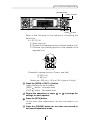
Press the [FUNC] button to exit function mode.
62