1
GAUSS User Guide
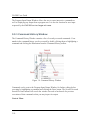
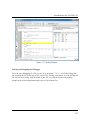
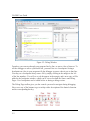
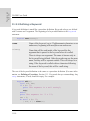
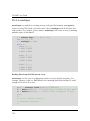
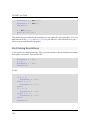
The Program Input/Output Window allows the user to enter interactive commands as well as displaying any output from a program run. It is also the location for user input requested by the GAUSS functions keyw and cons. 3.3.1 Command History Window
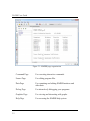
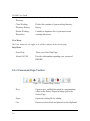
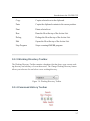
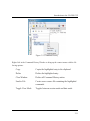
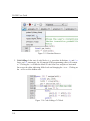
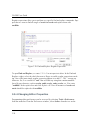
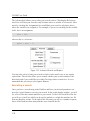
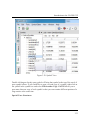
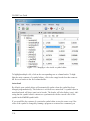
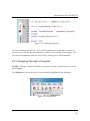
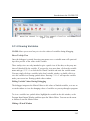
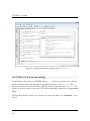
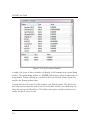
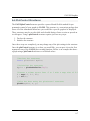
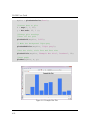
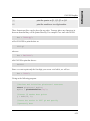
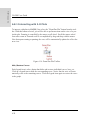
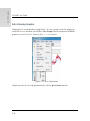
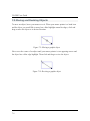
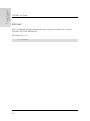
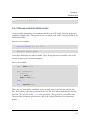
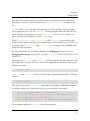
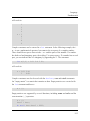
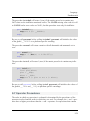
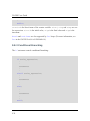
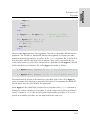
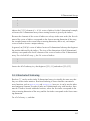
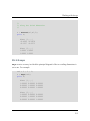
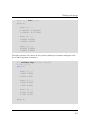
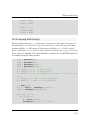
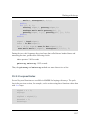
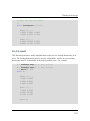
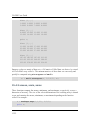
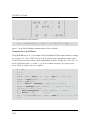
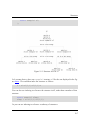
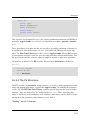
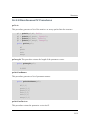
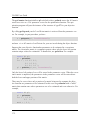
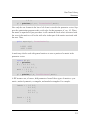
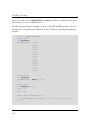
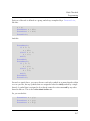
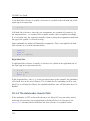
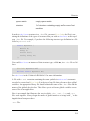
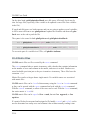
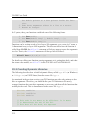
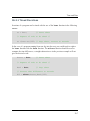
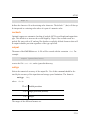
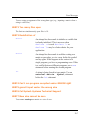
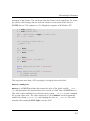
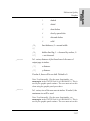
The Command History Window contains a list of recently executed commands. Commands in the command history can be executed by double clicking them or highlighting a command and clicking the Run button from the Command History toolbar. Figure 3.8: Command History Window
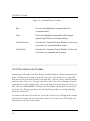
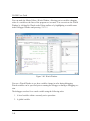
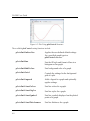
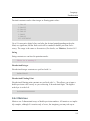
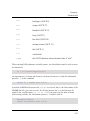
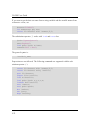
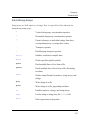
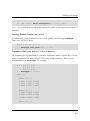
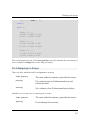
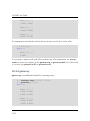
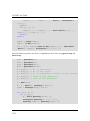
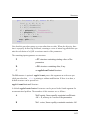
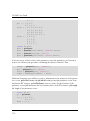
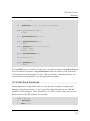
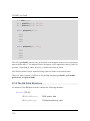
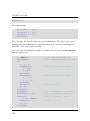
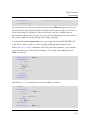
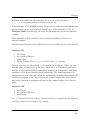
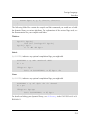
Commands can be sent to the Program Input/Output Window for further editing before executing by highlighting a command and clicking the Paste button. The Search Next and Search Previous buttons will search the window forward or backwards for previous executions of that command so that you may inspect its output. Context Menu
3-10