1
Installation and Operation Manual
Unite Connectivity Manager
TD 92735EN
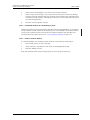
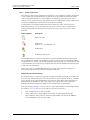
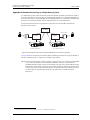
If the communication towards Remote Service Center goes down, up to 1000 faults will be
stored locally in Unite CM. When the communication is established again the nontransferred faults will then be transferred to Remote Service Center.
The parameter for blocking repeated faults also affects the faults that are transferred to
Remote Service Center, refer to 4.11.5 Administer Fault Log on page 56.
7.3.1
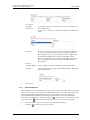
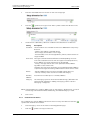
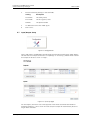
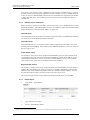
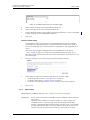
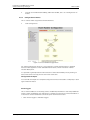
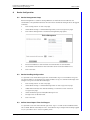
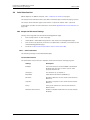
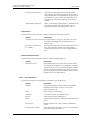
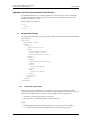
Set up the Connection to the Remote Service Center
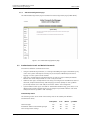
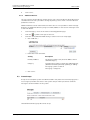
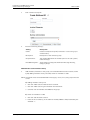
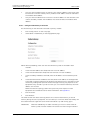
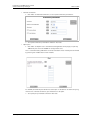
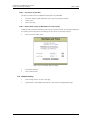
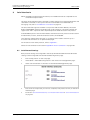
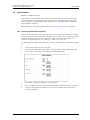
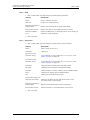
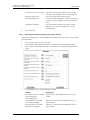
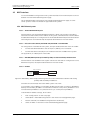
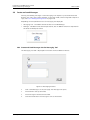
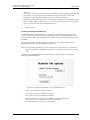
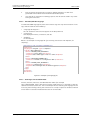
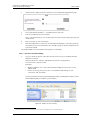
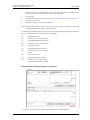
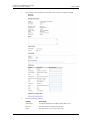
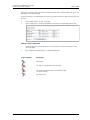
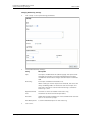
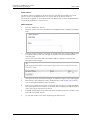
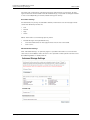
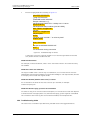
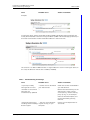
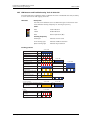
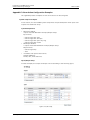
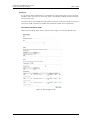
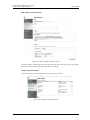
Only the credentials for the service when communicating with the Remote Service Center
need to be entered to get the connection to work. The user name and password are
automatically created when the customer site is created at the Remote Service Center.
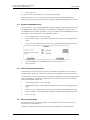
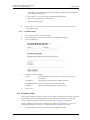
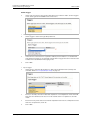
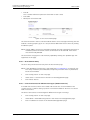
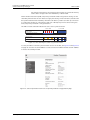
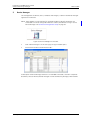
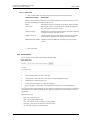
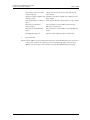
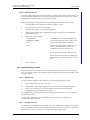
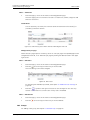
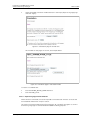
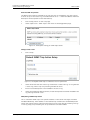
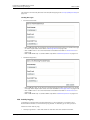
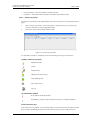
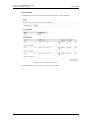
Figure 33.
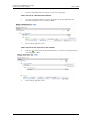
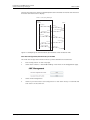
Figure 37. Example of automatically created credentials
7.4
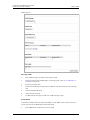
1
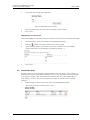
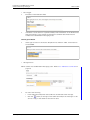
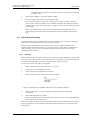
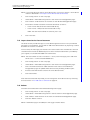
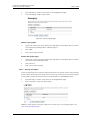
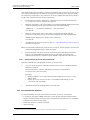
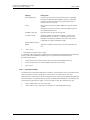
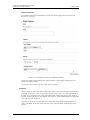
Enter User name and Password in the text fields.
2
Click “Activate”.
Remote Management
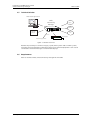
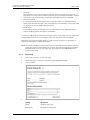
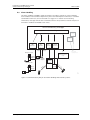
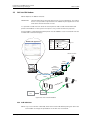
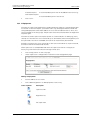
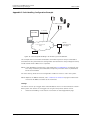
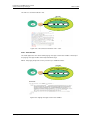
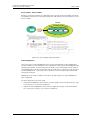
Through Unite CM, it is possible to establish a remote connection to a customer site. This
makes it possible to configure and maintain sites, independent of distance.
The remote management connection is established via the Remote Management Client
(RMC), which is a Windows based tool. For installation and configuration of the RMC, refer to
Installation and Operation Manual, Remote Management Client, TD 92256GB.
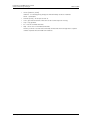
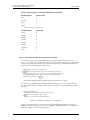
NOTE: Serial port 2 (COM2) on Unite CM is recommended to use for remote management.
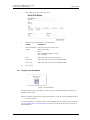
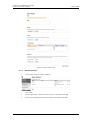
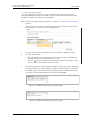
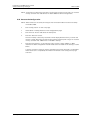
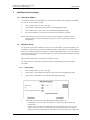
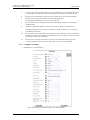
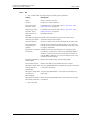
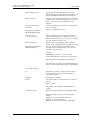
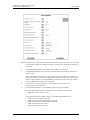
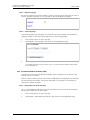
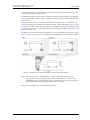
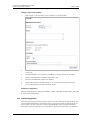
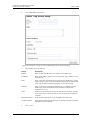
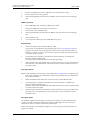
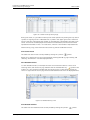
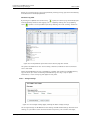
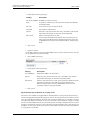
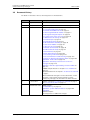
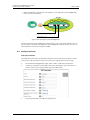
To be able to connect remotely, the remote management server in Unite CM has to be
configured. The helptext buttons in the GUI will give you more information about each
parameter setting.
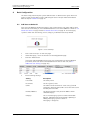
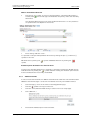
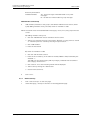
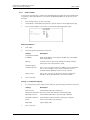
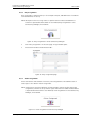
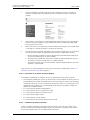
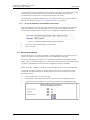
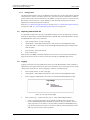
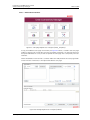
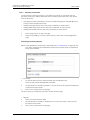
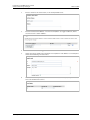
1
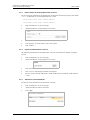
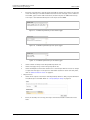
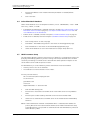
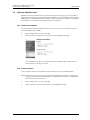
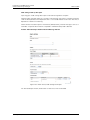
Click “Configuration” on the start page.
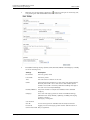
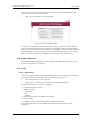
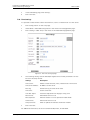
2
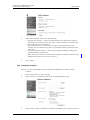
Select Other > Advanced Configuration in the menu on the Configuration page.
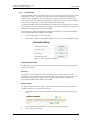
3
Select “Remote Management” in the menu on the Advanced Configuration page.
15 May 2012 / Ver. G
71