1
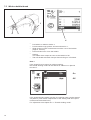
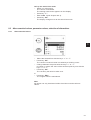
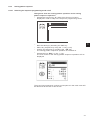
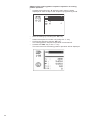
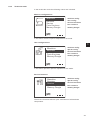
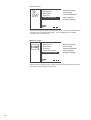
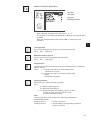
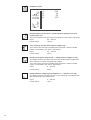
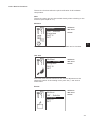
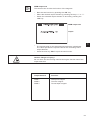
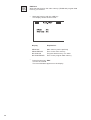
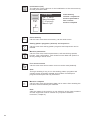
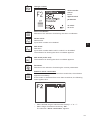
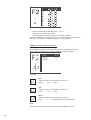
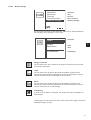
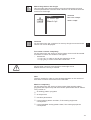
A window to confirm the selection will appear.
– Actuate the
“ï“ key (no), in order to cancel the transaction or the
“ð“ key (yes), in order to start the transaction.
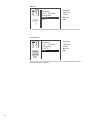
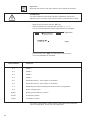
The program data and the machine parameters memorized on the
dongle will be deleted when the saving is started!
Note
The time needed in order to save the data depends on the number of
sewing pattern programs memorized on the machine.
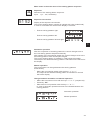
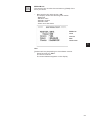
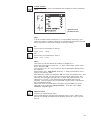
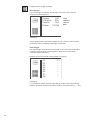
Dongle formatting
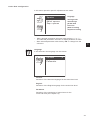
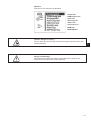
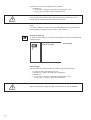
In order to save data on a dongle, the dongle must first be formatted as
a data dongle.
Data Dongle
data dongle
Data dongle
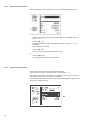
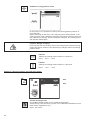
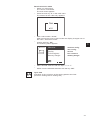
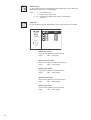
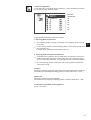
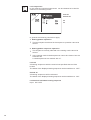
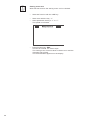
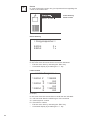
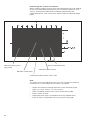
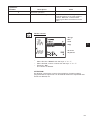
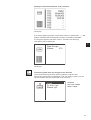
Via this menu item the formatting of the dongle can be started.
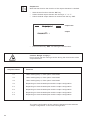
– In order to start, actuate the “P” key .
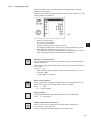
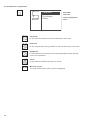
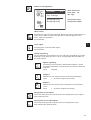
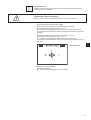
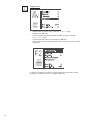
A window to confirm the selection will appear.
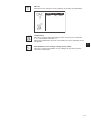
– Actuate the
“ï“ key (no), in order to cancel the transaction or the
“ð“ key (yes), in order to start the transaction.
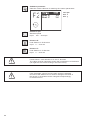
When formatting a dongle all data memorized on it will be deleted!
76