1
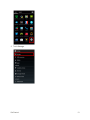
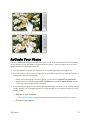
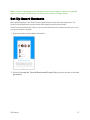
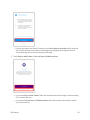
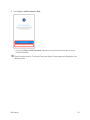
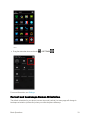
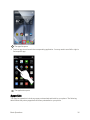
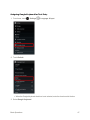
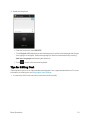
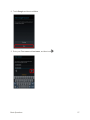
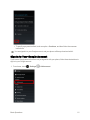
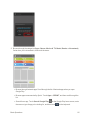
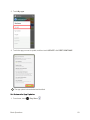
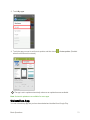
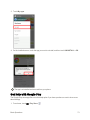
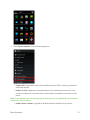
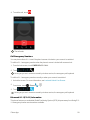
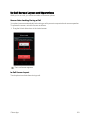
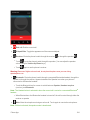
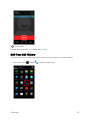
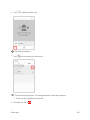
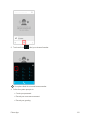
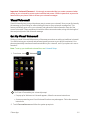
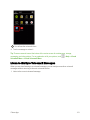
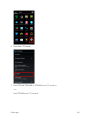
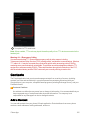
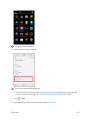
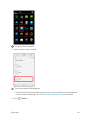
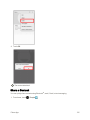
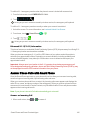
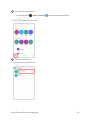
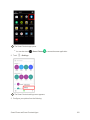
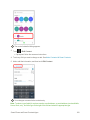
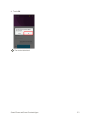
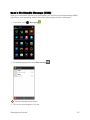
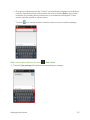
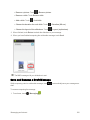
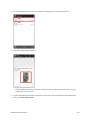
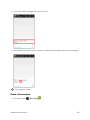
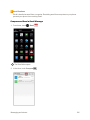
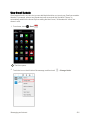
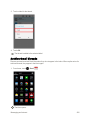
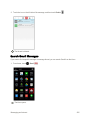
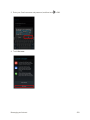
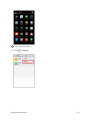
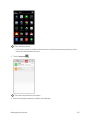
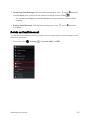
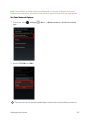
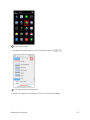
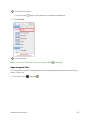
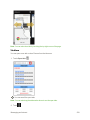
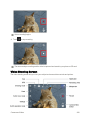
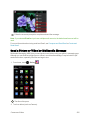
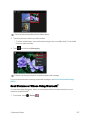
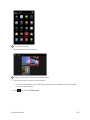
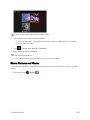
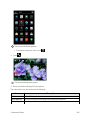
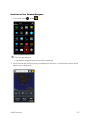
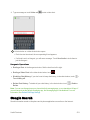
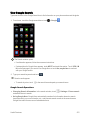
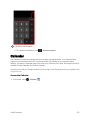
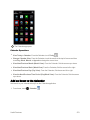
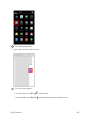
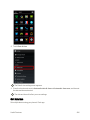
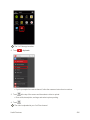
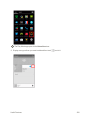
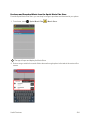
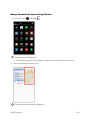
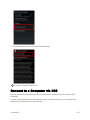
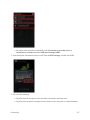
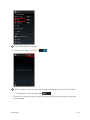
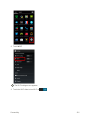
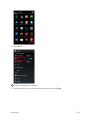
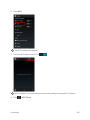
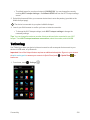
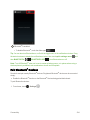
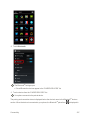
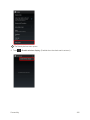
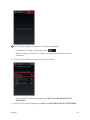
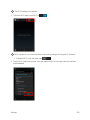
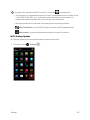
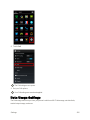
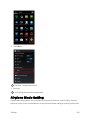
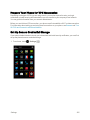
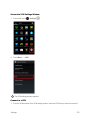
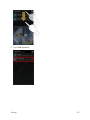
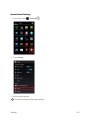
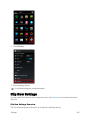
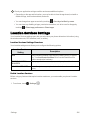
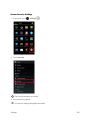
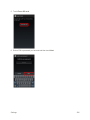
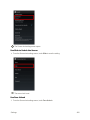
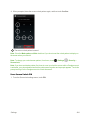
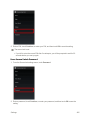
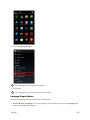
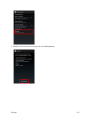
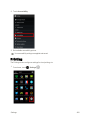
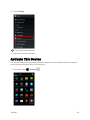
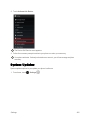
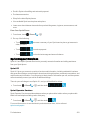
Wi-Fi is enabled. You will see the names and security settings of in-range Wi-Fi networks.
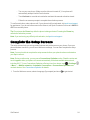
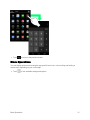
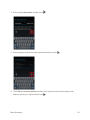
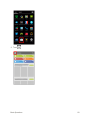
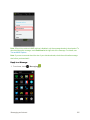
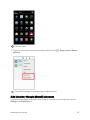
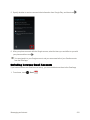
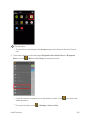
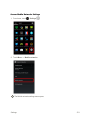
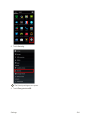
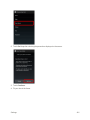
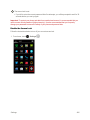
l To disable Wi-Fi, touch the slider again 4. Touch .
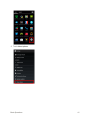
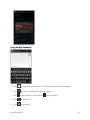
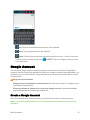
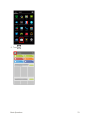
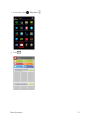
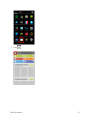
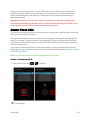
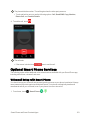
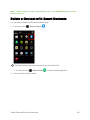
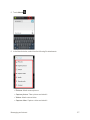
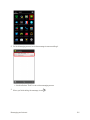
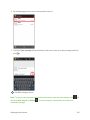
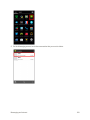
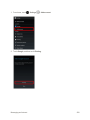
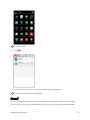
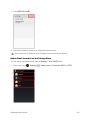
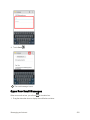
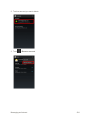
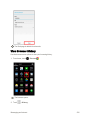
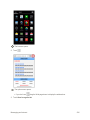
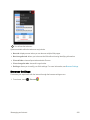
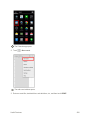
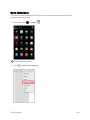
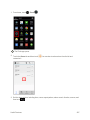
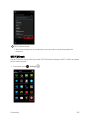
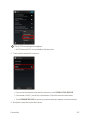
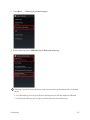
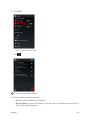
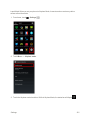
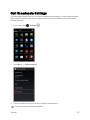
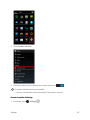
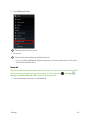
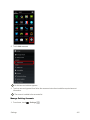
> Advanced.
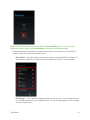
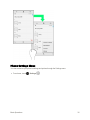
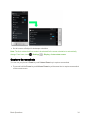
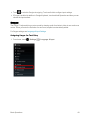
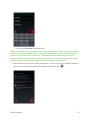
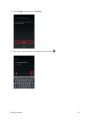
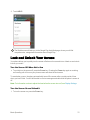
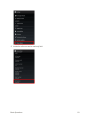
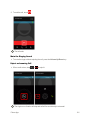
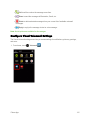
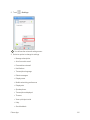
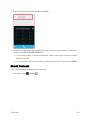
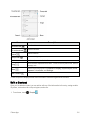
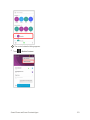
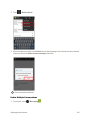
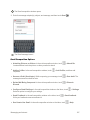
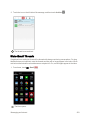
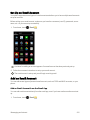
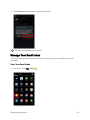
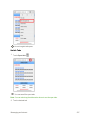
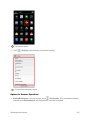
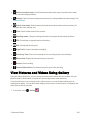
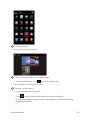
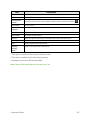
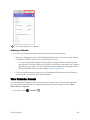
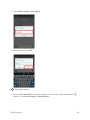
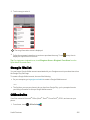
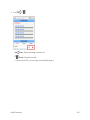
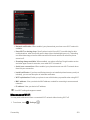
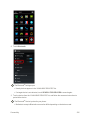
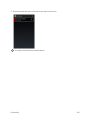
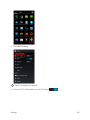
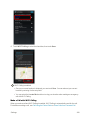
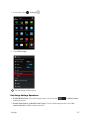
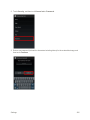
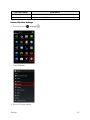
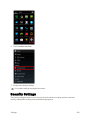
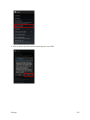
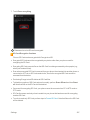
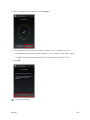
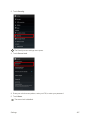
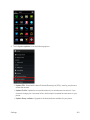
The advanced Wi-Fi settings menu appears.
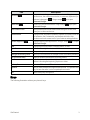
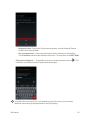
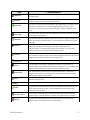
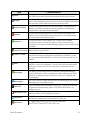
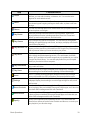
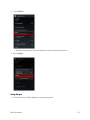
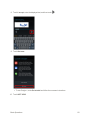
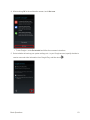
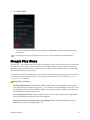
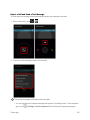
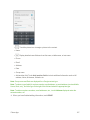
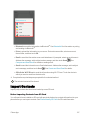
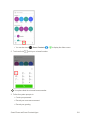
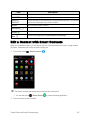
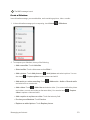
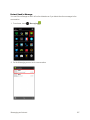
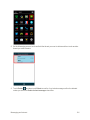
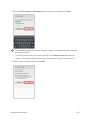
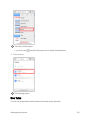
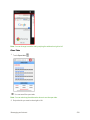
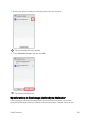
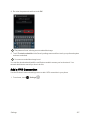
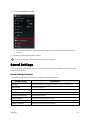
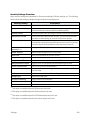
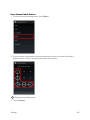
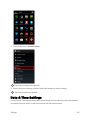
5. Select an option from the following to change its settings.
Connectivity
322