1
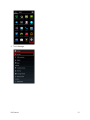
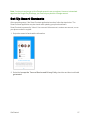
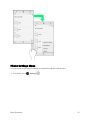
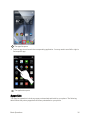
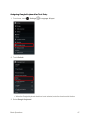
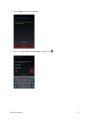
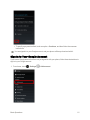
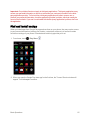
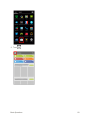
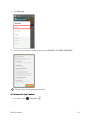
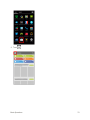
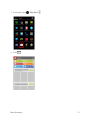
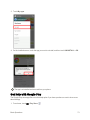
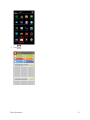
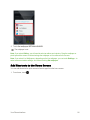
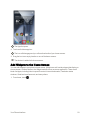
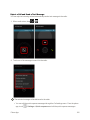
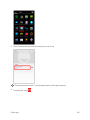
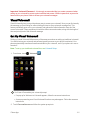
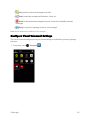
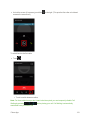
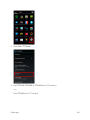
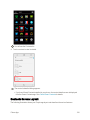
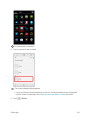
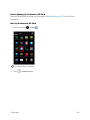
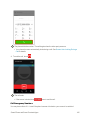
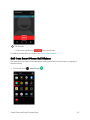
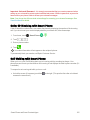
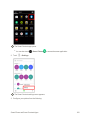
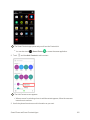
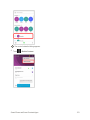
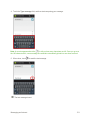
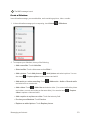
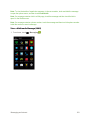
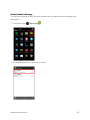
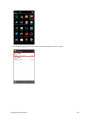
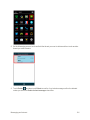
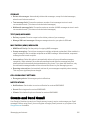
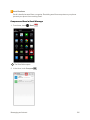
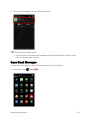
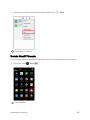
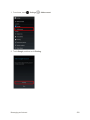
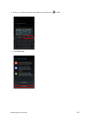
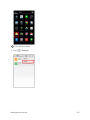
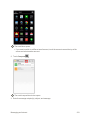
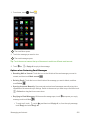
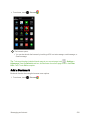
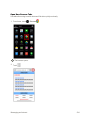
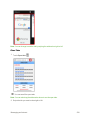
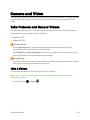
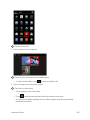
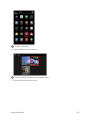
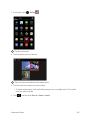
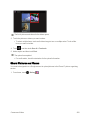
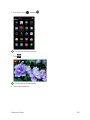
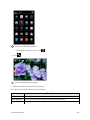
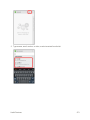
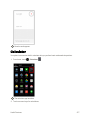
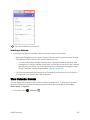
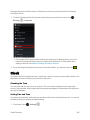
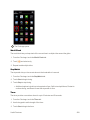
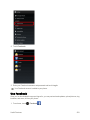
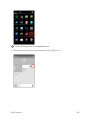
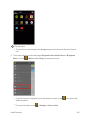
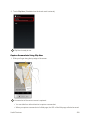
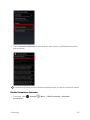
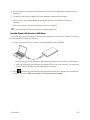
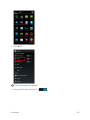
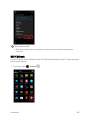
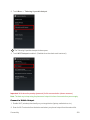
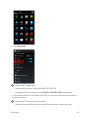
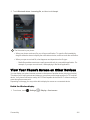
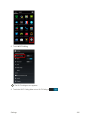
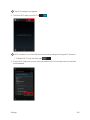
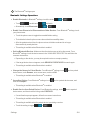
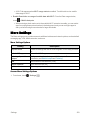
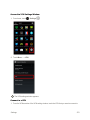
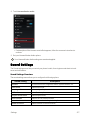
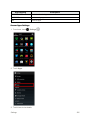
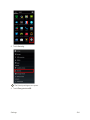
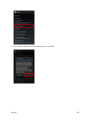
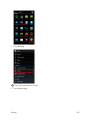
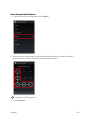
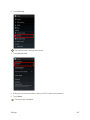
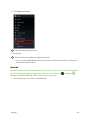
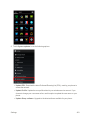
The album list opens.
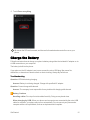
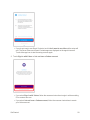
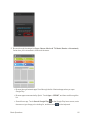
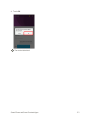
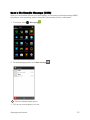
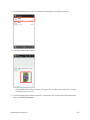
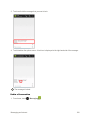
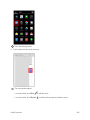
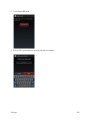
2. Touch an album (such as Camera).
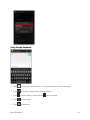
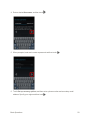
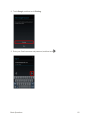
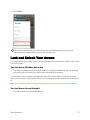
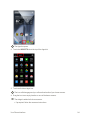
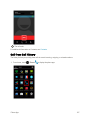
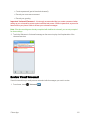
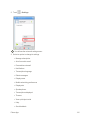
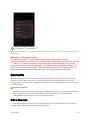
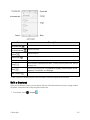
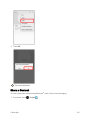
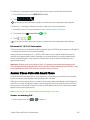
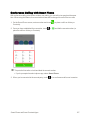
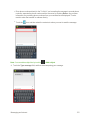
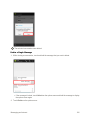
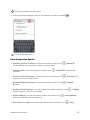
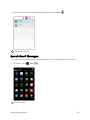
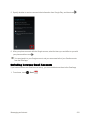
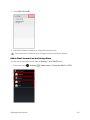
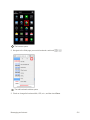
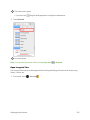
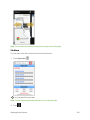
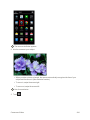
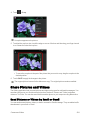
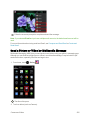
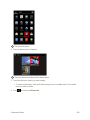
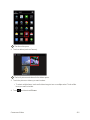
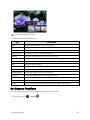
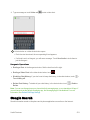
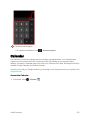
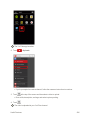
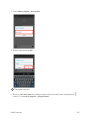
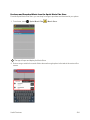
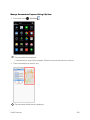
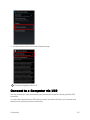
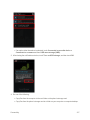
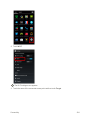
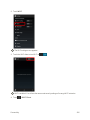
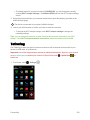
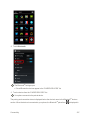
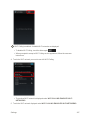
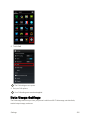
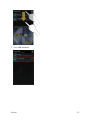
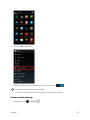
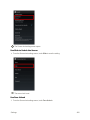
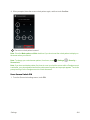
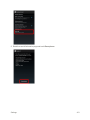
The list of pictures and videos for the album opens.
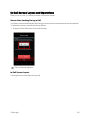
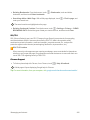
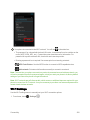
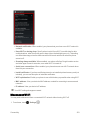
l To select another album, touch to return to the album list.
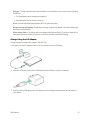
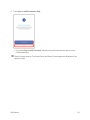
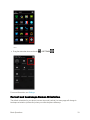
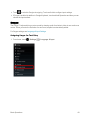
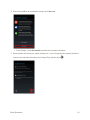
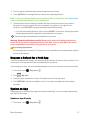
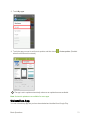
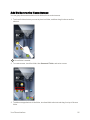
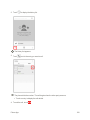
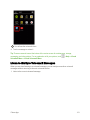
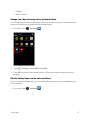
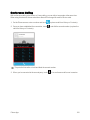
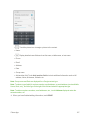
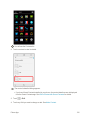
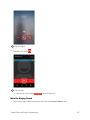
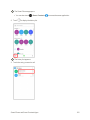
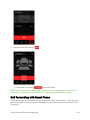
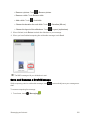
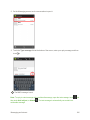
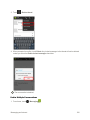
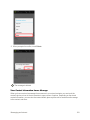
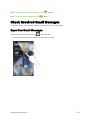
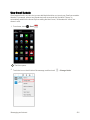
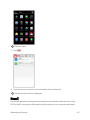
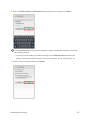
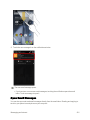
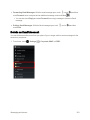
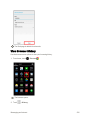
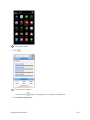
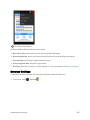
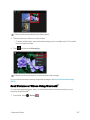
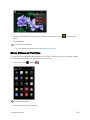
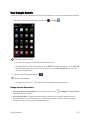
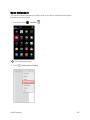
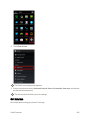
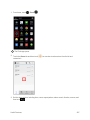
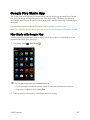
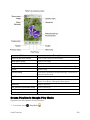
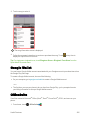
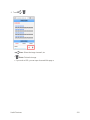
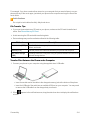
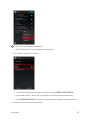
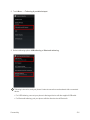
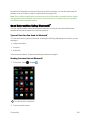
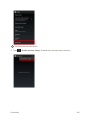
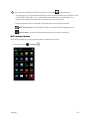
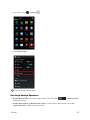
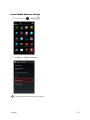
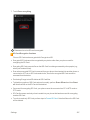
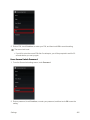
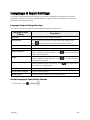
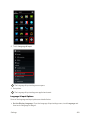
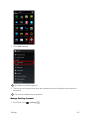
3. Touch an image to view the picture or video.
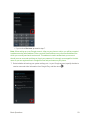
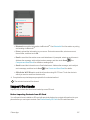
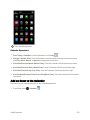
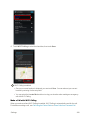
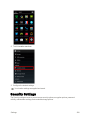
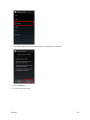
The picture or video opens.
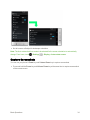
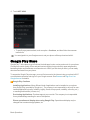
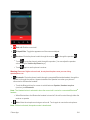
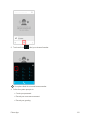
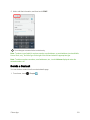
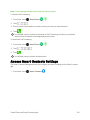
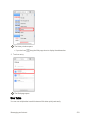
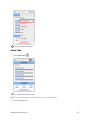
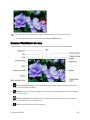
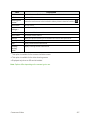
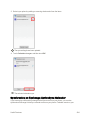
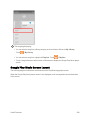
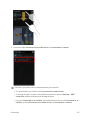
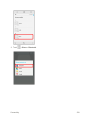
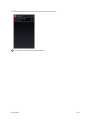
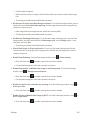
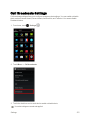
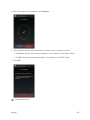
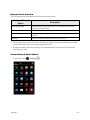
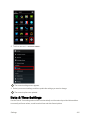
l Touch a picture to view it full screen.
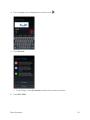
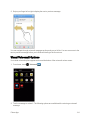
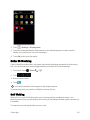
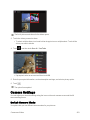
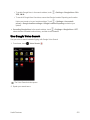
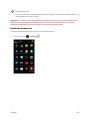
l Touch to start the video and then follow the onscreen instructions.
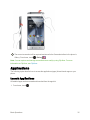
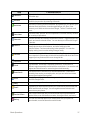
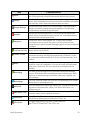
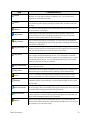
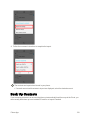
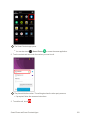
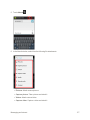
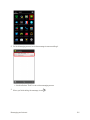
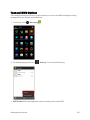
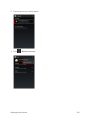
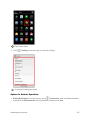
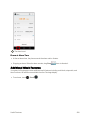
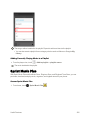
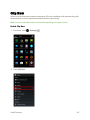
l You can share or delete multiple pictures or videos together by touching and holding thumbnails in an album.
Camera and Video
250