1
CRS-170A L-Band 1:1 Redundancy Switch
Modem and Switch Configuration
4.5.1
MN/CRS170A.IOM
Revision 13
CDM-570L/AL Non-IP Redundancy Configuration
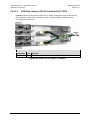
Do these steps for setup of CDM-570L/AL modems for 1:1 Redundancy, when the terrestrial
data type is non-Ethernet (i.e. RS422, G.703).
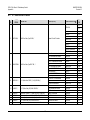
Step
1
Task
Enable 1:1 Redundancy on both modems:
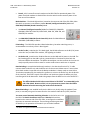
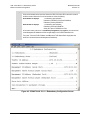
• From the CLI Main Menu, press ‘E’ to open the 1:1 Redundancy Configuration page.
o
Press ‘R’ to toggle 1:1 Redundancy as [Enabled].
o
Press ‘S’ to ““Save Parameters to permanent storage”.
• Alternately, using the HTTP (Web Server) Interface ‘REDUNDANCY’ page:
o
Use the drop-down list in the 1:1 Redundancy Control section of this page to select
Enabled.
o
Click [Submit] to save.
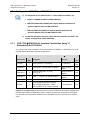
If you submit any changes to this web page when the CDM-570AL optional IP
Packet Processor is INSTALLED, you must also open the ‘Admin | Pap Save’
page and immediately click [Save PaP Parameters].
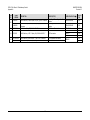
2
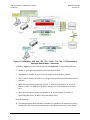
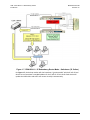
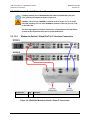
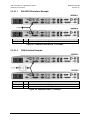
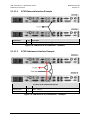
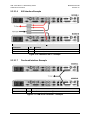
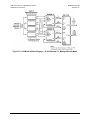
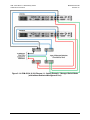
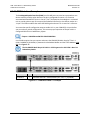
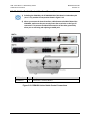
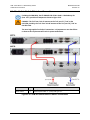
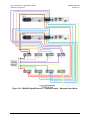
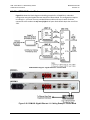
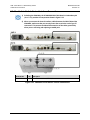
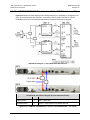
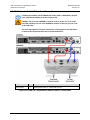
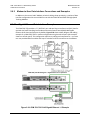
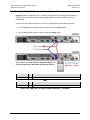
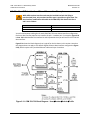
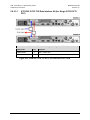
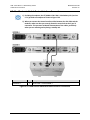
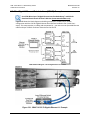
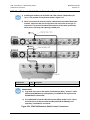
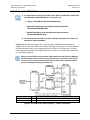
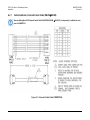
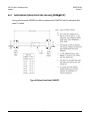
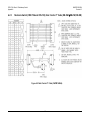
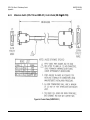
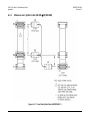
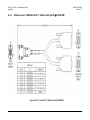
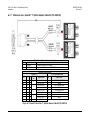
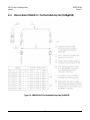
Connect all cables to the modems and the CRS-170A. This includes the control cable, IF cable and
data ‘Y’cables.
Chapter 5. CABLES AND CONNECTIONS
4–13