Download
Digital Tigers SideCar MMS Series User guide
1
2
3
4
5
6
7
8
9
10
11
12
13
14
15
16
17
18
19
20
21
22
23
24
25
26
27
28
29
30
31
32
33
34
35
36
37
38
39
40
41
42
43
44
45
46
47
48
49
50
51
52
53
54
55
56
57
58
59
60
61
62
63
64
65
66
67
68
69
70
71
72
73
74
75
76
77
78
79
80
81
82
83
Transcript
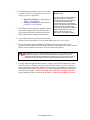
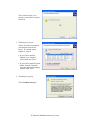
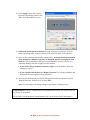
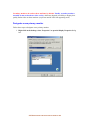
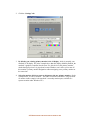
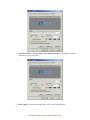
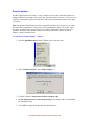
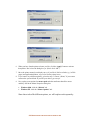
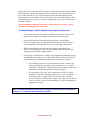
3. Click “Apply” to accept the changes, then “OK” to close the dialog box.
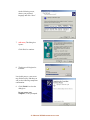
4. Now when you return to Display Properties / Settings in the future, you should see a
dialog box similar to this:
62- DISABLE THE NOTEBOOK DISPLAY