1
Phone Book
Note
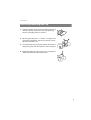
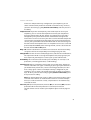
Once you have opened the phone book, you can also press the * star key
instead of entering a name and enter the speed-dialling number to find the
associated phone book entry.
Add Phone Numbers from Lists or during a Call
You can add phone numbers saved in your caller list or your redial list to a phone
book (see “Calls” Menu starting on page 72 and Redial starting on page 43). You
can also add a call number to the phone book while making a call.
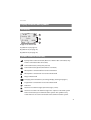
Select the Phone book menu entry.
New entry: You add the call number to a phone book (see page 66).
Add: You add the call number to an existing phone book entry (see page 67).
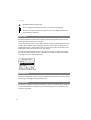
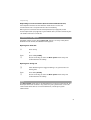
Adding call number as new phone book entry
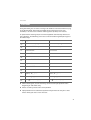
F and OK
F and OK
F and OK
Z and OK
Z and OK
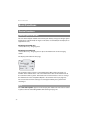
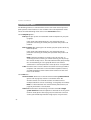
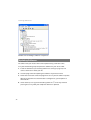
Select the New entry menu entry in the Phone book menu,
confirm with the OK softkey.
Select phone book desired: Personal, Company or Central,
confirm with OK softkey.
Determine call number: No. office, No. mobile, No. private,
confirm with OK softkey.
Enter Name and First name (see The Editor starting on page 27),
confirm respectively with the OK softkey.
Confirm or change the displayed call number, e.g. No. office,
confirm with OK softkey.
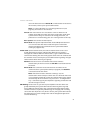
You can assign a speed-dialling number to the call numbers of the
entry in the central phone book. You automatically have the next
available speed-dialling number (Abbrev. no.) offered to you. If you
wish to assign them, press the OK softkey. If not, delete the speeddialling number with the C key (enter another unused speeddialling number if needed) and then press Ok.
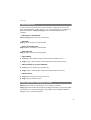
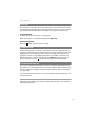
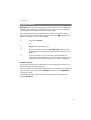
F and OK
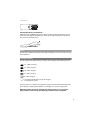
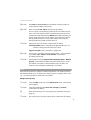
Display your own call number, confirm with OK softkey:
Transmit number: When calling (from the phone book) your call
number is displayed to the subscriber called.
Suppress number: Your call number is suppressed.
66