1
Using the CP-10 Control Panel
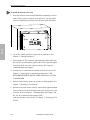
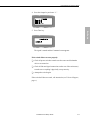
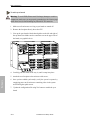
4. Press the Output key and enter “1.”
Test Switch
5. Press Take key.
The signal is routed and the Command screen appears.
If the switch did not execute properly:
q Check all power switches to make sure the source and destination
devices are turned on.
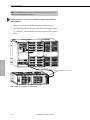
q Check all link and signal connections on the rear of the enclosure(s)
to make sure everything is physically set up correctly.
q Attempt the switch again.
If the switch still does not work, call AutoAssist (see Technical Support,
page v).
Installation and Setup Guide
7-3