1
LL2354.book Page 137 Monday, October 20, 2003 9:47 AM
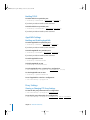
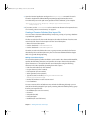
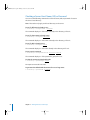
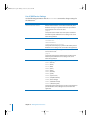
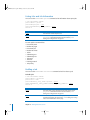
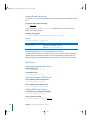
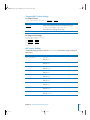
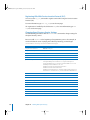
Checking the Status of Firewall Service
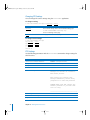
To see summary status of Firewall service:
$ sudo serveradmin status ipfilter
To see detailed status of Firewall service, including rules:
$ sudo serveradmin fullstatus ipfilter
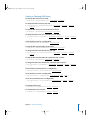
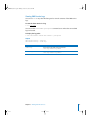
Viewing Firewall Service Settings
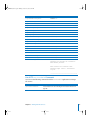
To list Firewall service configuration settings:
$ sudo serveradmin settings ipfilter
To list a particular setting:
$ sudo serveradmin settings ipfilter:setting
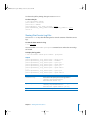
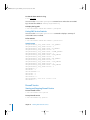
To list a group of settings:
Type only as much of the name as you want, stopping at a colon (:), then type an
asterisk (*) as a wildcard for the remaining parts of the name. For example,
$ sudo serveradmin settings ipfilter:ipAddressGroups:*
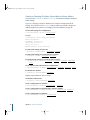
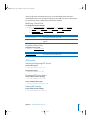
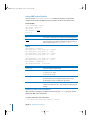
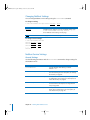
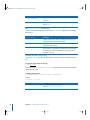
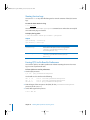
Changing Firewall Service Settings
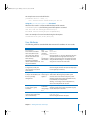
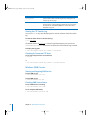
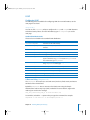
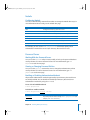
To change a setting:
$ sudo serveradmin settings ipfilter:setting = value
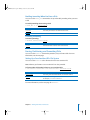
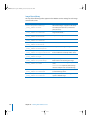
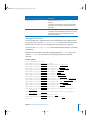
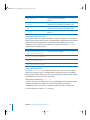
Parameter
Description
setting
A IPFilter service setting. See “Firewall Service Settings” on
this page.
value
An appropriate value for the setting.
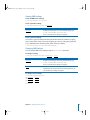
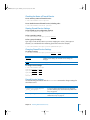
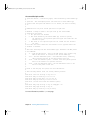
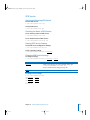
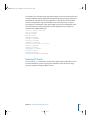
To change several settings:
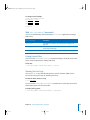
$ sudo serveradmin
ipfilter:setting =
ipfilter:setting =
ipfilter:setting =
[...]
Control-D
settings
value
value
value
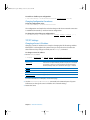
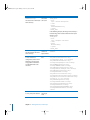
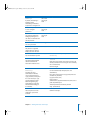
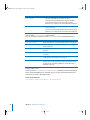
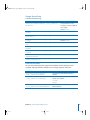
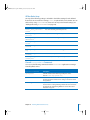
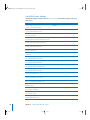
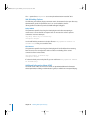
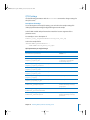
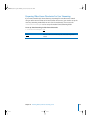
Firewall Service Settings
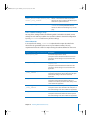
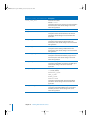
Use the following parameters with the serveradmin command to change settings for
the IPFilter service.
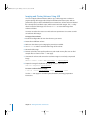
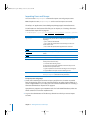
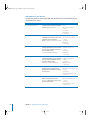
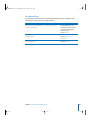
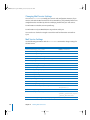
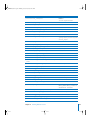
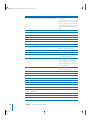
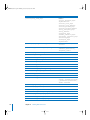
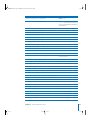
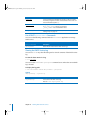
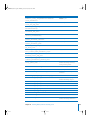
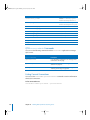
Parameter (ipfilter:)
Description
ipAddressGroupsWithRules:
_array_id:<group>...
An array of settings describing the services allowed for
specific IP address groups. See “IPFilter Groups With Rules
Array” on page 138.
rules:_array_id:<rule>:...
Arrays of rule settings, one array per defined rule. See
“IPFilter Rules Array” on page 141.
Chapter 13 Working With Network Services
137