1
LL2354.book Page 30 Monday, October 20, 2003 9:47 AM
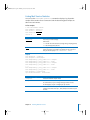
Changing a Remote Server’s Startup Disk
You can change a remote server’s startup disk using SSH.
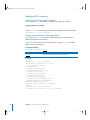
To change the startup disk:
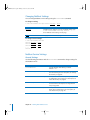
Log in to the remote server using SSH and type
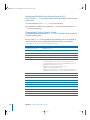
$ bless -folder "/Volumes/disk/System/Library/CoreServices" -setOF
Parameter
Description
disk
The name of the disk that contains the desired startup volume.
For information on using SSH to log in to a remote server, see “Sending Commands to
a Remote Server” on page 16.
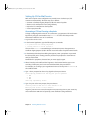
Shutting Down a Server
You can use the shutdown command to shut down a server at a specific time. For more
information, see the man page.
Examples
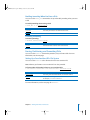
To shut down a remote server immediately:
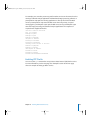
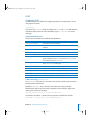
$ ssh -l root server shutdown -h now
To shut down the local server in 30 minutes:
$ shutdown -h +30
30
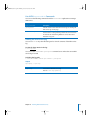
Parameter
Description
server
The IP address or DNS name of the server.
Chapter 3 Restarting or Shutting Down a Server