1
Making a Measurement
Step 3. Define the channel assignments
Step 3. Define the channel assignments
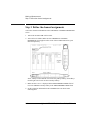
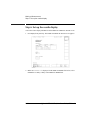
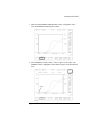
You set the connection information on the CHANNELS: CHANNEL DEFINITION
screen.
1. Turn on the 4155B/4156B. Self-test starts.
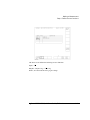
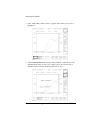
2. After self-test is finished, make sure that CHANNELS: CHANNEL
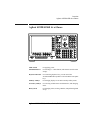
DEFINITION screen appears on the screen of the 4155B/4156B. If not, press
Chan front-panel key.
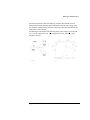
where, softkeys located bottom of screen are the primary softkeys, and softkeys
located right side of screen are the secondary softkeys.
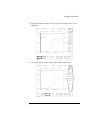
3. Make sure that SWEEP is displayed in the MEASUREMENT MODE field. If
not, select SWEEP secondary softkey in the MEASUREMENT MODE field.
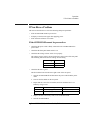
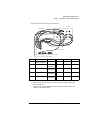
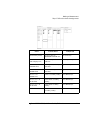
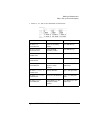
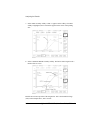
4. Set the connection information in the CHANNELS area as shown in the
following table:
2-8
Agilent 4155B/4156B Quick Start Guide, Edition 2