1
Displaying EPG
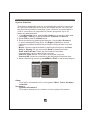
To view the EPG (electronic program guide) provided by the
content provider:
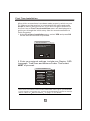
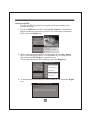
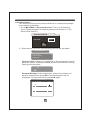
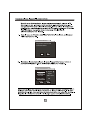
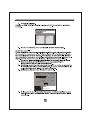
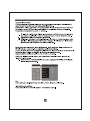
1. Press the EPG key and then use the Up / Down key highlight a
desired channel to preview the EPG. To view today's complete
EPG, press the Right key.
TV Program List
No.
18
19
20
21
22
Program Name
The HITS
,
UKTV Br tIdea
f tn
TMF
Ideal World
2006/06/23 15:36
Fashion on Friday at 4 and 5
16:00-18:00
The Quattro Gem Collection
18:00-19:00
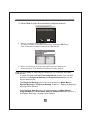
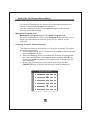
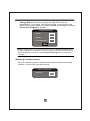
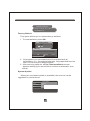
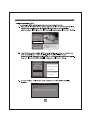
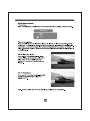
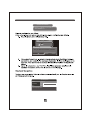
2. When today's complete EPG is displayed, use the Up / Down
key to scroll along the EPG. To view the EPG of next/previous
day, press the UP / Down key continuously.
To see the highlighted EPG details, press the Right key.
TV Program List
No.
18
19
20
21
22
Program Name
The HITS
,
UKTV Br tIdea
f tn
TMF
Ideal World
2006/06/23 15:36
2006/06/23 Ideal World
16:00
18:00
Fashion on Friday at 4
18:00
19:00
The Quattro Gem Coll
19:00
20:00
Pick of the Day
20:00
21:00
Prai Luxury Skincare
12:00
13:00
Pick of the Day
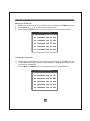
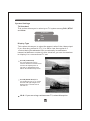
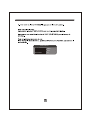
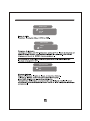
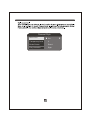
3. The detailed EPG screen will show as below if pressed the Right
key.
Fashion on Friday at 4 and 5
2006/06/23 05:00-07:00
Description:
A fantastic selection of this seasons fashion
brought to you in the comfort of your own home.
11