1
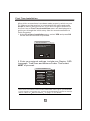
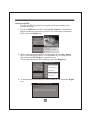
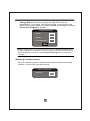
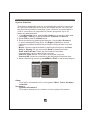
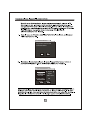
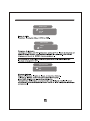
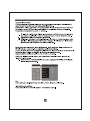
Change PIN: Allows you to change the PIN. A PIN can be
composed of 1 to 4 digits. To change the PIN, enter the old, new
PIN in the provided fields. After pressing OK, a message indicating
PIN Code Changed will appear.
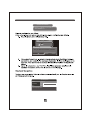
Change Parental PIN
Old PIN
New PIN
Confirm New PIN
OK
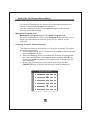
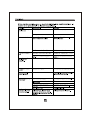
Note: To activate the parental control feature, Channel Lock must
be set to YES. If you want to lock particular channels while keeping
other channels unlocked, use Parental Setting table to make the
settings.
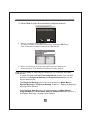
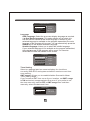
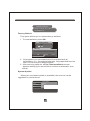
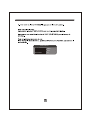
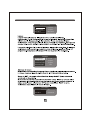
Watching Locked Channels
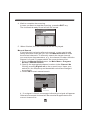
Once a channel is locked, whenever one want to watch the locked
channel, correct PIN must be entered.
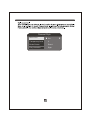
Enter Parental PIN
Enter PIN
18