1
Troubleshooting
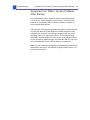
Symptom/Cure Tables: System Problems After Startup - 4 6
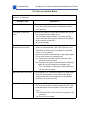
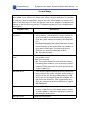
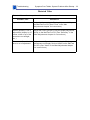
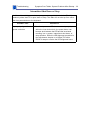
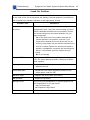
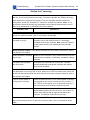
Sound In Problems
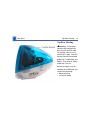
Sound in problems involve the internal microphone. Symptoms could be: audio recording quality is poor, a high level of background noise is noticeable, or no sound is
recorded.
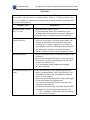
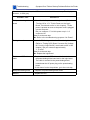
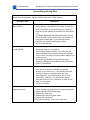
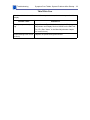
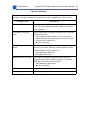
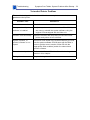
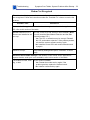
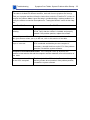
Possible Cause
Possible Fix
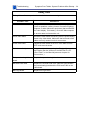
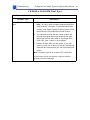
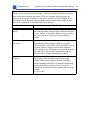
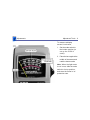
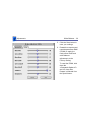
Sound control panel.
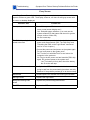
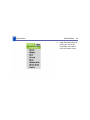
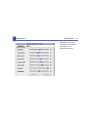
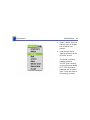
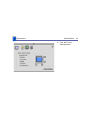
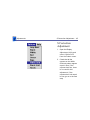
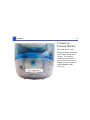
Open the Simple Sound Control Panel (found under the
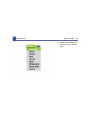
Apple Menu). Select CD Quality under the Sound menu to
minimize noise on the internal microphone. Did this solve
the problem?
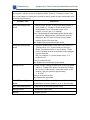
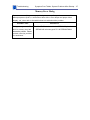
Yes: If the initial sound in problem was with the
sound control panel; the problem is solved.
No: Go to next step.
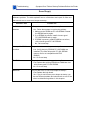
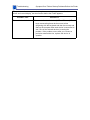
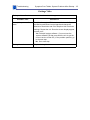
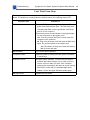
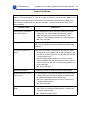
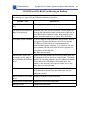
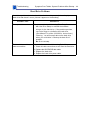
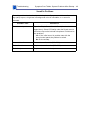
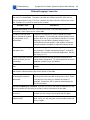
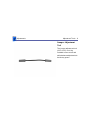
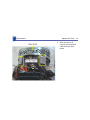
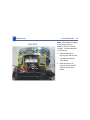
Loose audio cable.
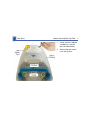
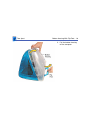
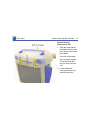
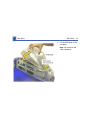
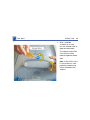
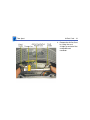
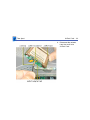
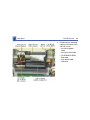
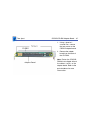
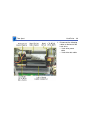
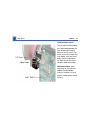
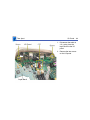
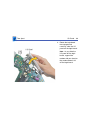
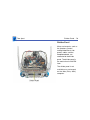
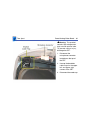
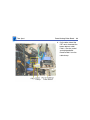
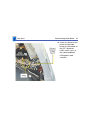
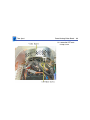
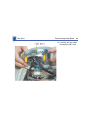
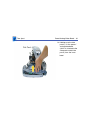
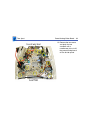
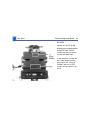
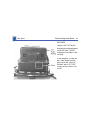
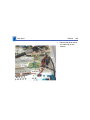
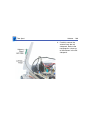
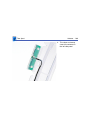
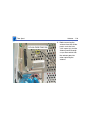
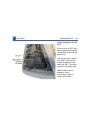
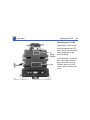
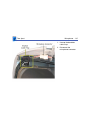
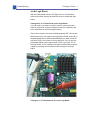
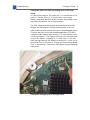
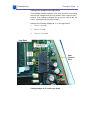
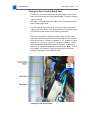
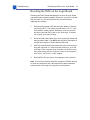
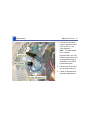
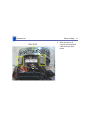
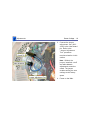
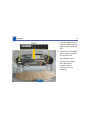
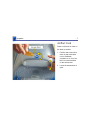
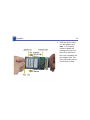
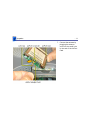
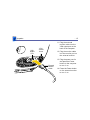
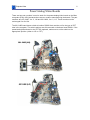
Reseat the audio cable (922-4039).
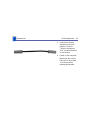
Bad audio cable.
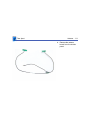
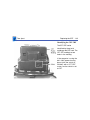
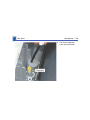
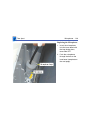
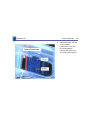
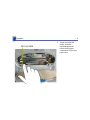
Replace the audio cable (922-4039).
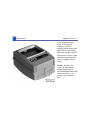
Bad microphone.
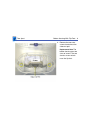
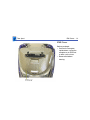
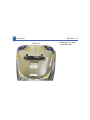
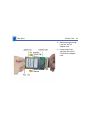
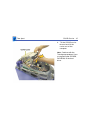
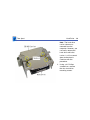
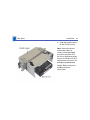
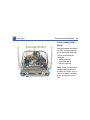
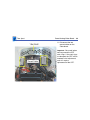
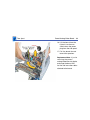
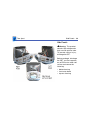
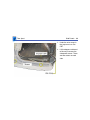
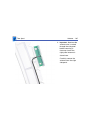
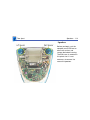
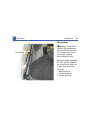
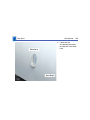
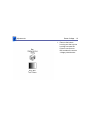
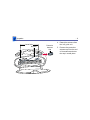
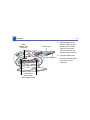
Replace the internal microphone.