1
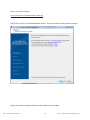
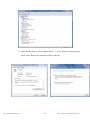
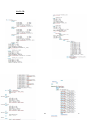
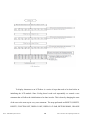
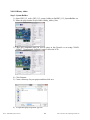
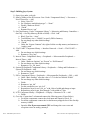
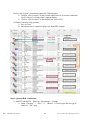
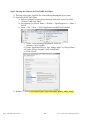
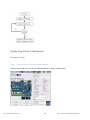
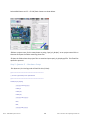
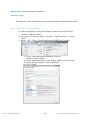
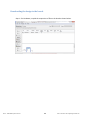
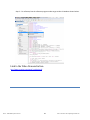
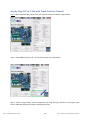
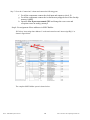
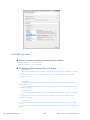
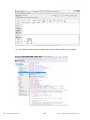
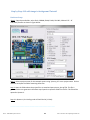
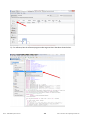
0The Binary Adder tutorial teaches how to Connect the conputer with the DE2-115. Create a new project using Quartus II. Create a Verilog file. Put I/O pin locations in the assignment editor. Synthesize your design. Use system builder. 1. The youtube video for the complete procedure can be accessed from the link given below: http://www.youtube.com/watch?v=PB9wk5Wl_Ec 2. The example can also be implemented by using the written instructions given below: Step by Step Binary Adder Tutorial Step 1: Install the USB driver for the FPGA development board. This step will only be done for the first time the FPGA board is used. a) On the FPGA board, connect the power plug to an outlet. Connect the USB cable from your computer to the FPGA board in port J9 (closest to the power outlet). b) Open the start Menu and Search Windows for “Device Manager”-> Scroll down to “Other Devices”-> A new window called “USB Blaster Properties” will open. SFSU - Embedded Systems Tutorial 20 Nano- Electronics & Computing Research Lab