1
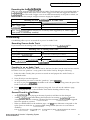
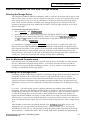
Sequencer and Audio Track Parameters
r:
I I,Lrn..
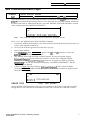
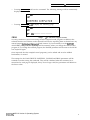
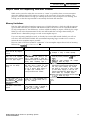
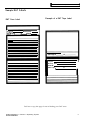
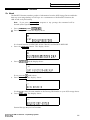
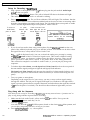
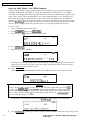
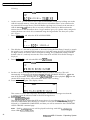
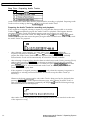
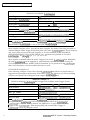
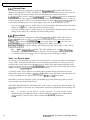
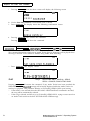
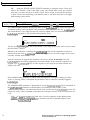
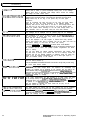
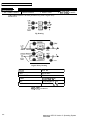
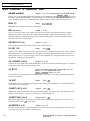
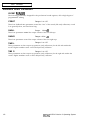
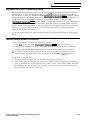
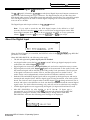
PLAY=SEQ ATRKS ONLY
You will be preparing to play sequence Audio Tracks only, and to
disallow Song Audio Track recording and playback.
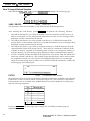
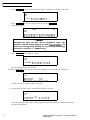
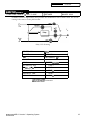
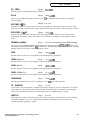
PlAY=SONG-A + SEC&B
You will be preparing
using Audio Track A,
sequences that make
play back from Song
to record and play back a Song Audio Track
and to play the data on Audio Track B in the
up the song. You will be unable to record or
Audio Track B.
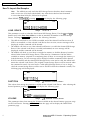
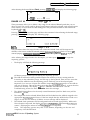
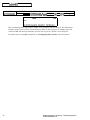
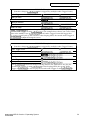
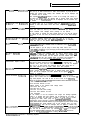
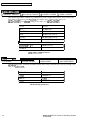
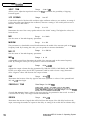
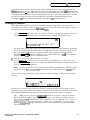
PLAY=SEQ-A + SONG-B
You will be preparing
using Audio Track B,
sequences that make
play back from Song
to record and play back a Song Audio Track
and to play the data on Audio Track A in the
up the song. You will be unable to record or
Audio Track A.
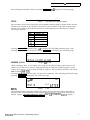
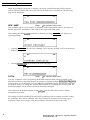
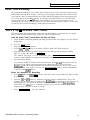
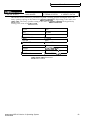
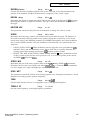
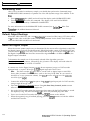
PLAY=SONG ATRKS ONLY
You will be preparing to record and play back Song Audio Tracks only,
and to ignore any data recorded on both Audio Tracks in the
sequences that make up the song.
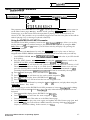
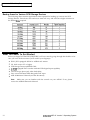
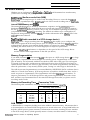
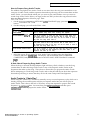
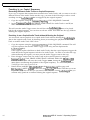
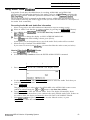
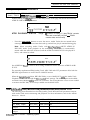
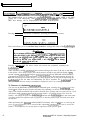
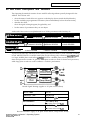
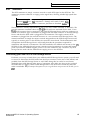
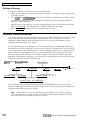
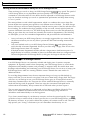
How Existing Sequence Commands Affect Audio Tracks
Sequencer commands only affect the Audio Trigger events, and do not affect the associated
AudioSamples. Only the following functions will affect the AudioSamples:
l
Punching-in on an Audio Track
l
Command/Seq*Song, ERASE ALL AUDIOSAMPLES
l
Command/ (audio) Track, DELETE AUDIOSAMPLE
l
Command/(audio) Track, ERASE AUDIO TRACK
l
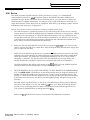
When the SAVE SONG + ALL SEQS command is invoked, the SONG + ALL SEQS file type
can now be saved across multiple disks. It may be very large if it contains large RAM
AudioSamples.
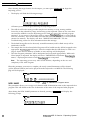
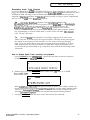
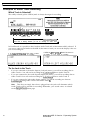
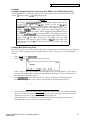
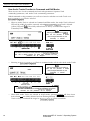
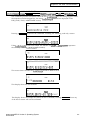
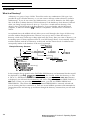
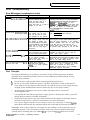
After performing the Command/Seq*Song, APPEND SEQUENCE, CHANGE SEQUENCE
LENGTH, and EDIT SONG STEPS Commands on Sequences that have data recorded on their
Audio Tracks, the “PREPARING AUDIO TRACKS” message will be displayed as Audio Tracks
are cued up for Playback.
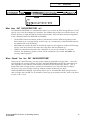
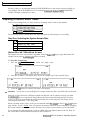
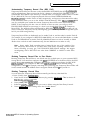
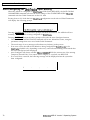
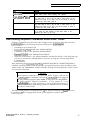
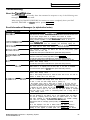
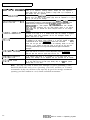
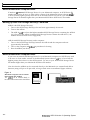
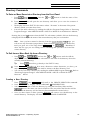
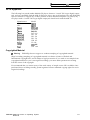
Caution:
Most sequence commands only affect the Audio Triggers, and not the
AudioSample data. Remember, the same AudioSample can be triggered
by many different sequences as a result of using the COPY SEQUENCE
or COPY AUDIO TRACK Commands. If you punch’ in ‘on an
AudioSample that is used elsewhere, it will be modified elsewhere as
well. We recommend performing sequence commands before recording
any data to Audio Tracks.
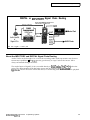
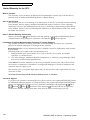
The DELETE SEQUENCE and ERASE SONG + ALL SEQS Commands will NOT delete the
AudioSamples that are triggered by Events on the Sequence’s Audio Tracks.
ENSONIQ ASR-10 Version 3 Operating System
75