1
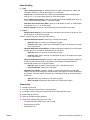
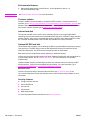
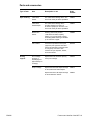
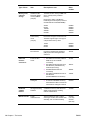
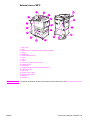
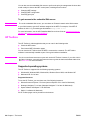
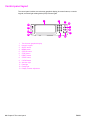
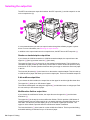
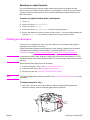
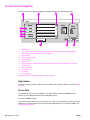
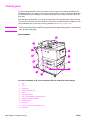
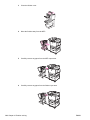
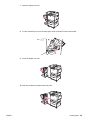
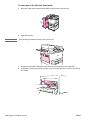
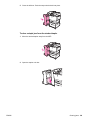
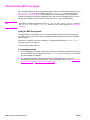
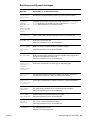
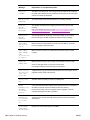
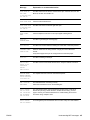
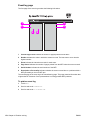
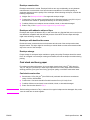
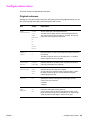
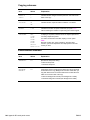
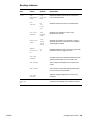
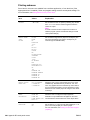
External view of MFP
1
1
14
1
2
1
3
1
13
1
4
1
15
1
12
1
5
1
16
1
11
1
6
1
10
1
17
1
19
1
9
1
8
1
18
1
7
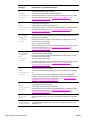
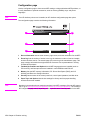
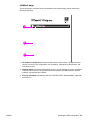
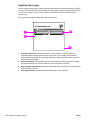
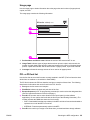
1. ADF cover
2. ADF
3. Control panel with touch-screen graphical display
4. Tray 1
5. Right door
6. Vertical transfer door
7. Tray 4
8. Tray 3
9. Tray 2
10. Left door (behind output device)
11. Output device
12. Front door
13. Duplex printing accessory (inside the MFP)
14. ADF output bin
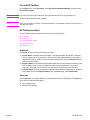
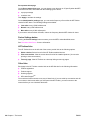
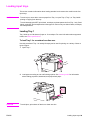
15. Left door
16. Printer power cable
17. Tray 4 power cable
18. EIO slot 1
19. EIO slot 2
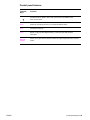
Note
ENWW
For specific information about the output bins for each output device, see Selecting the output bin.
Features and benefits of the MFP 13