1
Multiple Exposure
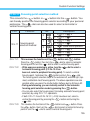
By not advancing the film, a single frame can be exposed multiple times.
Up to nine multiple exposures can be set for one frame. Multiple exposures
can be taken in any shooting mode.
1
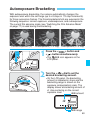
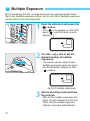
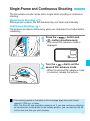
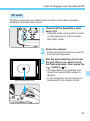
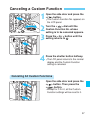
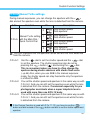
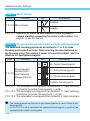
Open the side door and press the
< > button.
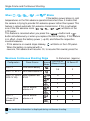
2
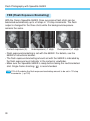
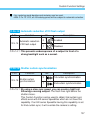
Turn the <
> dial to set the
desired number of multiple
exposures.
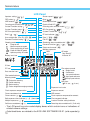
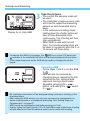
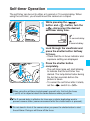
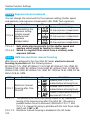
The < > icon appears on the LCD
panel ( 6 ) and the frame counter
displays “ ”.
• The camera will be ready to take
multiple exposures when you press
the shutter button halfway or after
( 6 ) elapse.
Set for 3 multiple exposures.
3
74
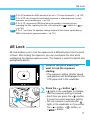
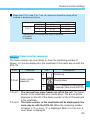
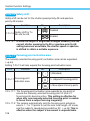
Set the shooting mode and take
the pictures.
After all the multiple exposures are
taken, the film advances to the next
frame and the multiple exposure
setting is canceled automatically.