1
Chapter 2 Cisco IOS Commands
show monitor
show monitor
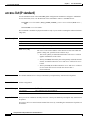
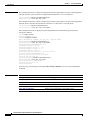
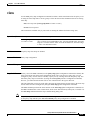
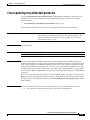
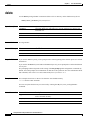
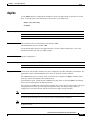
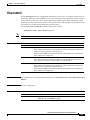
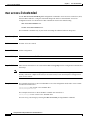
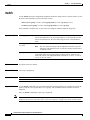
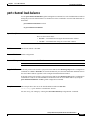
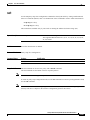
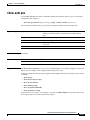
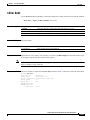
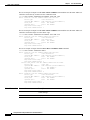
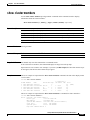
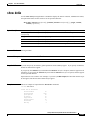
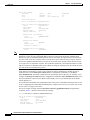
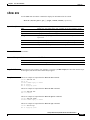
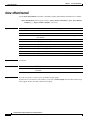
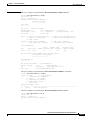
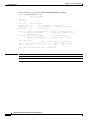
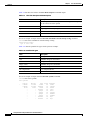
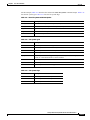
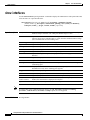
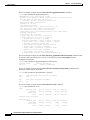
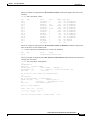
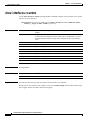
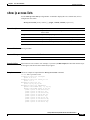
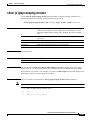
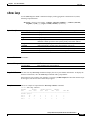
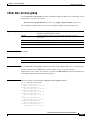
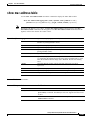
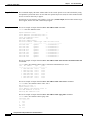
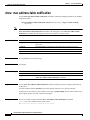
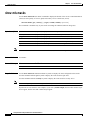
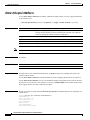
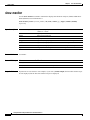
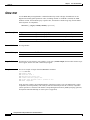
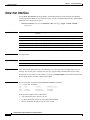
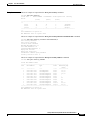
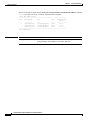
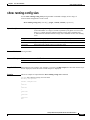
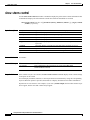
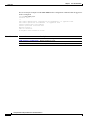
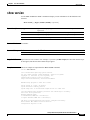
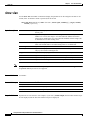
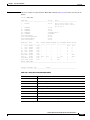
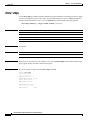
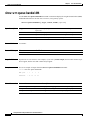
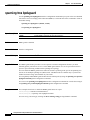
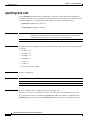
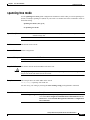
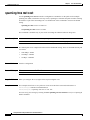
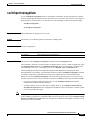
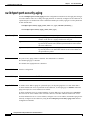
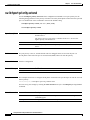
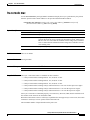
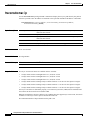
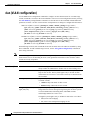
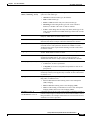
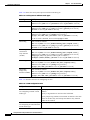
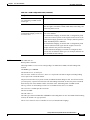
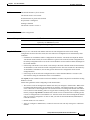
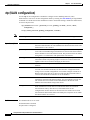
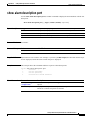
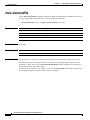
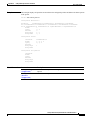
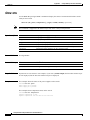
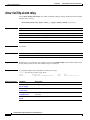
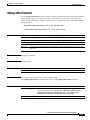
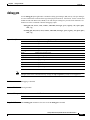
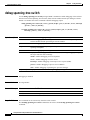
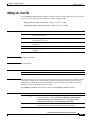
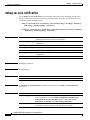
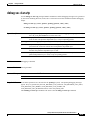
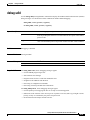
Use the show monitor user EXEC command to display Switched Port Analyzer (SPAN) and Remote
SPAN (RSPAN) session information.3
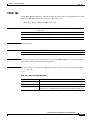
show monitor [session {session_number | all | local | remote}] [ | {begin | exclude | include}
expression]
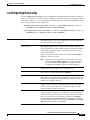
Syntax Description
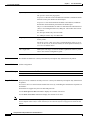
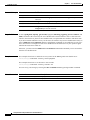
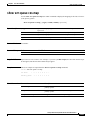
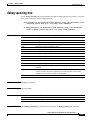
session session_number
(Optional) Specify the number of the SPAN or RSPAN session. Valid
values are 1 and 2.
all
Specify all sessions.
local
Specify local sessions.
remote
Specify remote sessions.
| begin
(Optional) Display begins with the line that matches the expression.
| exclude
(Optional) Display excludes lines that match the expression.
| include
(Optional) Display includes lines that match the specified expression.
expression
Expression in the output to use as a reference point.
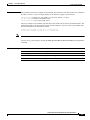
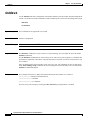
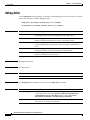
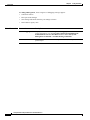
Command Modes
User EXEC
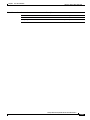
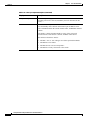
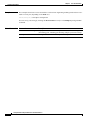
Command History
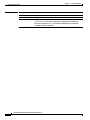
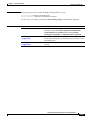
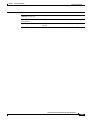
Release
Modification
12.1(6)EA1
This command was first introduced.
12.1(11)EA1
The all, local, and remote keywords were added.
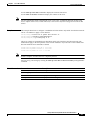
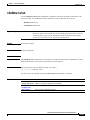
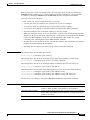
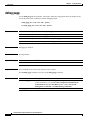
Usage Guidelines
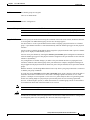
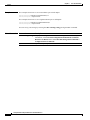
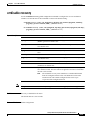
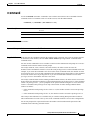
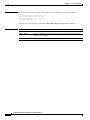
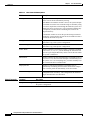
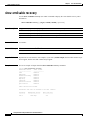
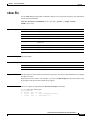
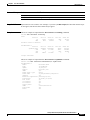
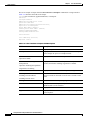
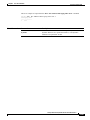
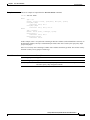
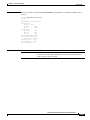
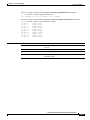
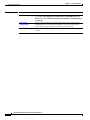
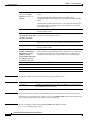
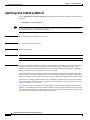
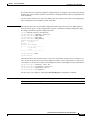
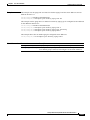
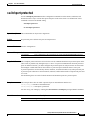
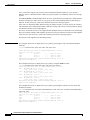
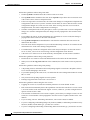
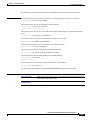
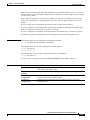
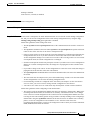
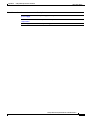
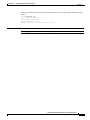
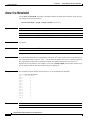
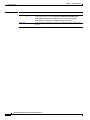
Expressions are case sensitive. For example, if you enter | exclude output, the lines that contain output
are not displayed, but the lines that contain Output are displayed.
Catalyst 2950 and Catalyst 2955 Switch Command Reference
2-208
78-15304-01