1
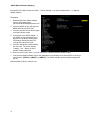
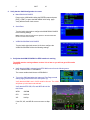
[1. Admin Settings] ->
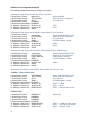
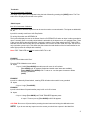
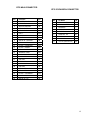
GPS/NAV #
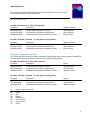
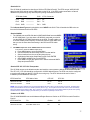
Options
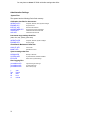
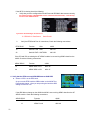
10. GPS/NAV 1-3 Data Source*
NONE
Serial Port #1
Serial Port #2
Serial Port #3
Serial Port #4
Remote GPS
Remote ARINC
Remove NAV
Notes
No connected Nav or GPS
GPS or Nav Radio Connect to Serial Port #1
GPS or Nav Radio Connect to Serial Port #2
GPS or Nav Radio Connect to Serial Port #3
GPS or Nav Radio Connect to Serial Port #4
GPS connected to remote screen
GPS/NAV connected to remote screen ARINC
SL-30 connected to remote screen.
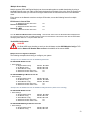
NOTES:
*If you have an ARINC module it must be configured as the GPS/NAV1 Data Source.
**If you have a second ARINC module it must be configured as the GPS/NAV2 Data Source.
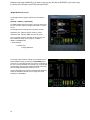
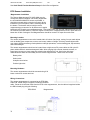
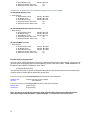
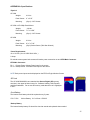
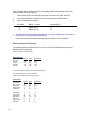
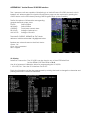
Depending on the type of Nav Radio connected to the GPS/NAV data source it will be displayed on the
screen as one of the following:
GNAVx
GPSx
NAVx
GPS Navigator 430W/530W/480
GPS Only Unit
SL30 Nav Radio
Where x is the order number of the GPS or Nav radio, a GPS Navigator has a GPS and a Nav radio and will
be displayed as GNAV1 for the first unit and GNAV2 for the second.
71