1
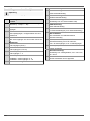
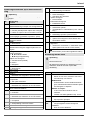
Settings
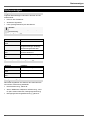
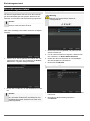
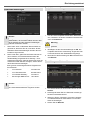
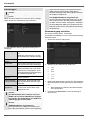
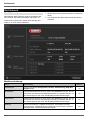
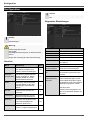
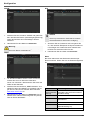
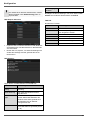
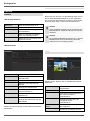
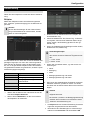
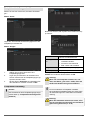
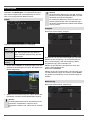
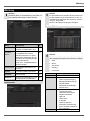
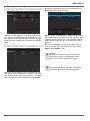
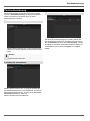
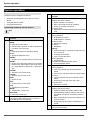
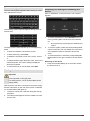
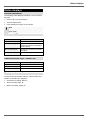
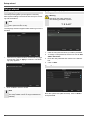
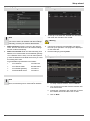
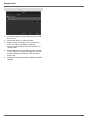
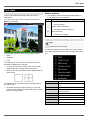
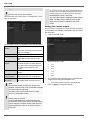
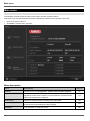
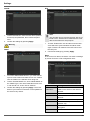
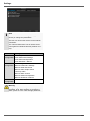
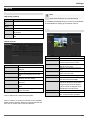
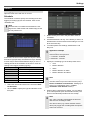
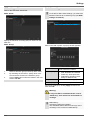
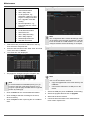
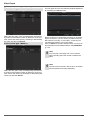
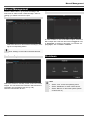
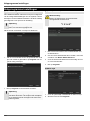
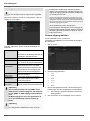
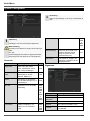
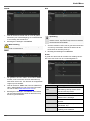
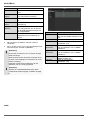
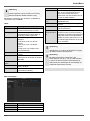
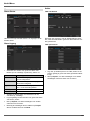
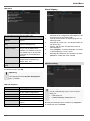
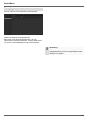
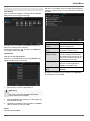
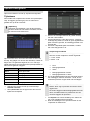
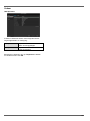
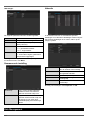
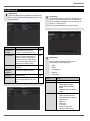
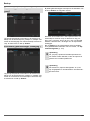
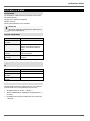
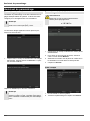
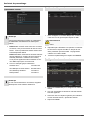
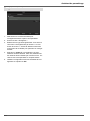
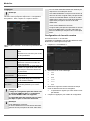
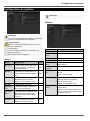
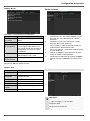
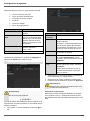
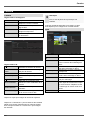
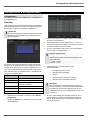
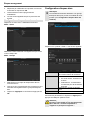
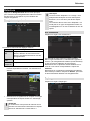
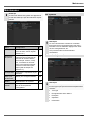
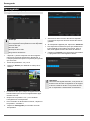
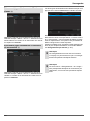
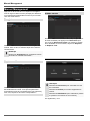
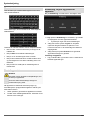
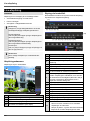
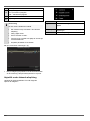
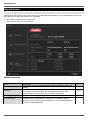
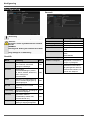
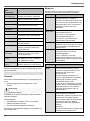
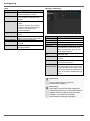
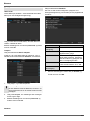
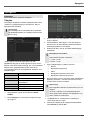
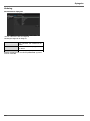
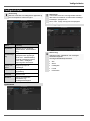
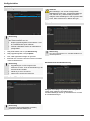
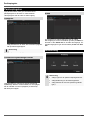
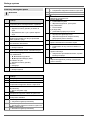
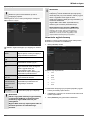
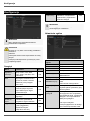
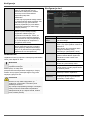
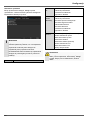
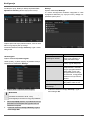
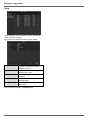
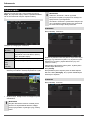
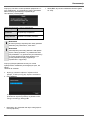
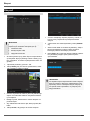
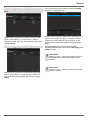
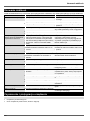
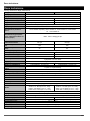
TAB General
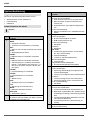
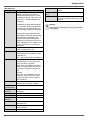
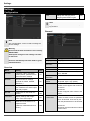
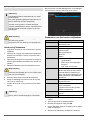
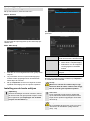
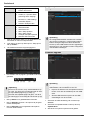
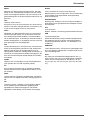
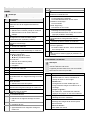
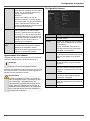
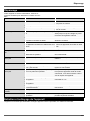
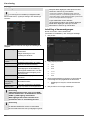
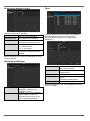
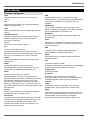
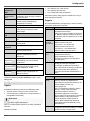
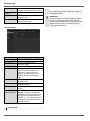
Parameter
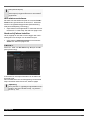
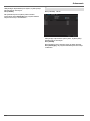
(e.g. Internet).
Setting
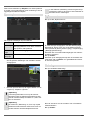
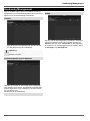
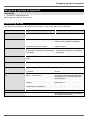
Working Mode Net fault tolerance: Both network
adapters (NIC) use the same network
settings. The 2nd network adapter remains, in the event of problems with
the 1st network adapter, available.
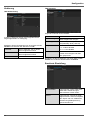
Load balance: Both network adapters
(NIC) use the same network settings.
The bandwidth is split between the two
adapters.
Multi-address (standard): The network
adapters (NIC) use different network
settings. One adapter is defined as the
standard adapter for external communication. The 2nd adapter is used for
connecting IP cameras.
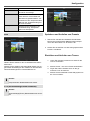
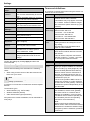
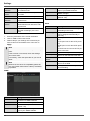
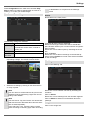
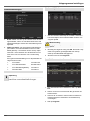
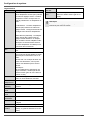
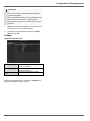
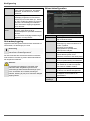
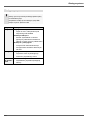
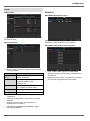
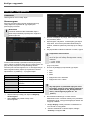
Select NIC
Choose between LAN1 and LAN2 for
editing.
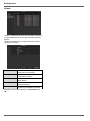
NIC Typ
Set the transmission speed of the installed network card here.
Tip: 10M/100/1000M self adaptive
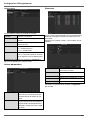
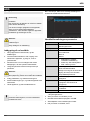
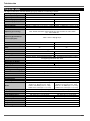
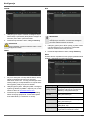
Enable DHCP
Tick the box if the IP addresses are
assigned dynamically via DHCP in the
network.
DHCP activated: Subsequent entry
fields are inactive (parameters assigned via DHCP).
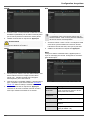
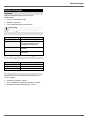
Note:
If the IP addresses are assigned manually, ensure that DHCP is not active
(box not ticked).
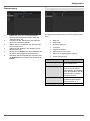
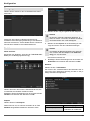
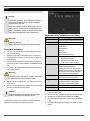
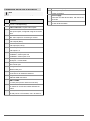
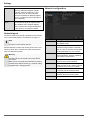
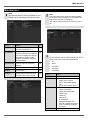
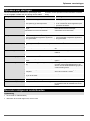
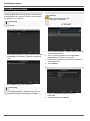
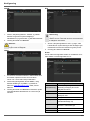
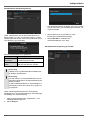
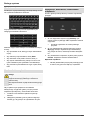
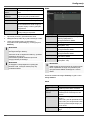
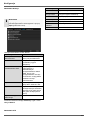
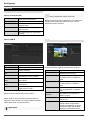
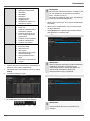
IPv4 Adress
Address of the network device in the
network (manual assignment)
IPv4
Subnet Mask
Usually 255.255.255.0
IPv4 Default
Gateway
Address of the gateway for Internet access
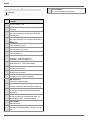
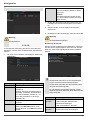
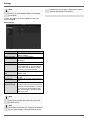
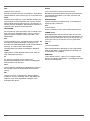
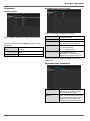
IPv6 Adress 1
Currently no functioning
IPv6 Adress 2
Currently no functioning
IPv6 Standard Currently no functioning
Gateway
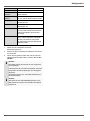
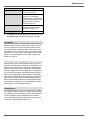
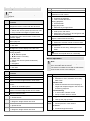
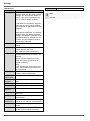
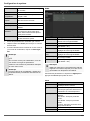
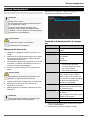
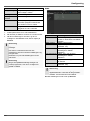
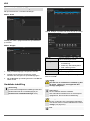
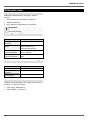
MAC Adress
MTU (Bytes)
Preferred
DNS Server
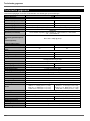
Hardware address of the installed network card
Describes the max. size of the largest
protocol data .
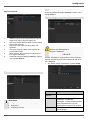
Address of the Domain Name Server
(usually the IP address of the gateway)
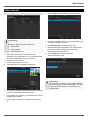
Alternate DNS IP address of the alternative DNS
server
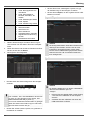
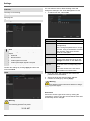
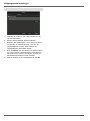
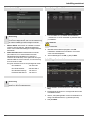
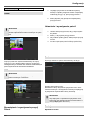
Default Route
97
Selection of the Ethernet connection
for the external network connection
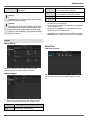
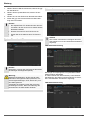
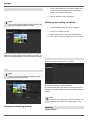
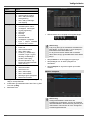
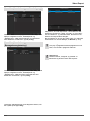
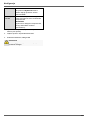
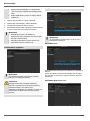
Note
In certain modes some of these settings cannot be
selected.