1
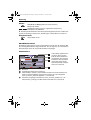
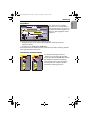
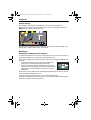
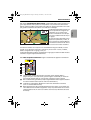
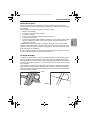
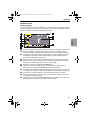
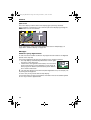
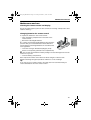
DE-IT-E_MO_MS5000.book Page 129 Sunday, November 7, 1999 10:57 PM Operation Popup menu After selecting a function, a popup menu in the form of a rectangle with several entries for more details may appear with an entry (option) to be selected. English To activate a particular option / function: Move the cursor with the direction buttons to the desired option / function. To confirm press the OK-button. These two actions are designated on the following pages of these operating instructions as selection of an option / function. Function list (pull-down menu) E. g. for map displays function appears as a red button on the screen. After pressing the OK-button the selectable functions are displayed. The function list is automatically again closed after several seconds if a function is not selected. 129