1
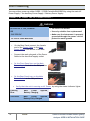
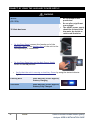
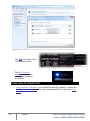
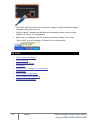
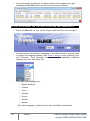
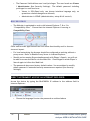
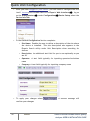
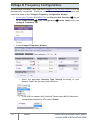
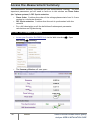
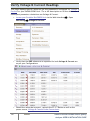
Quick Unit Configuration After you have Plugged in your Device, you will need to configure the unit itself. Access your Portable Device via Elspec's Web Interface as the Administrator Device Info Tab: 50 under Configuration log on Device Setup select the In the G4 Unit Configuration Section complete: Site Name: Enables the user to define a description of the site where the device is installed. This site description also appears in the Elspec's Search utility under Unit Description when searching for devices Description: An additional text field for you to use optionally as you see fit Operator: A text field typically for inputting operator/technician name Company: A text field typically for inputting company name To apply your changes select confirm your changes: ELSPEC . A success message will G4500 & G3500 Portable Power Quality Analyzer USER & INSTALLATION GUIDE