1
**FG_Chap 01
3/5/04
10:35 AM
6
Page 15
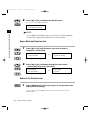
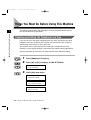
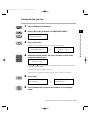
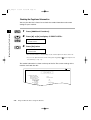
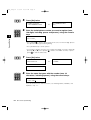
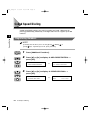
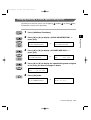
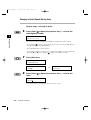
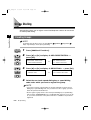
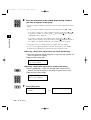
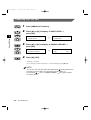
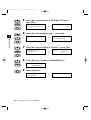
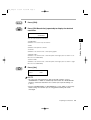
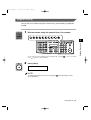
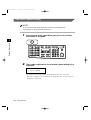
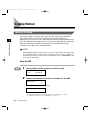
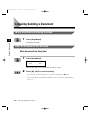
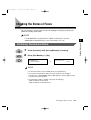
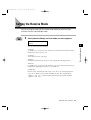
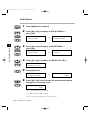
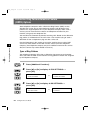
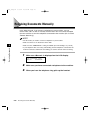
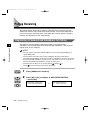
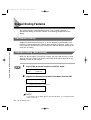
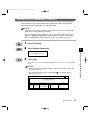
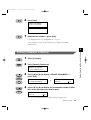
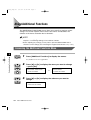
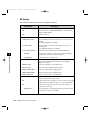
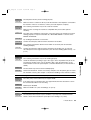
Press [Additional Functions].
USER SETTINGS
1.TEL LINE SETTINGS
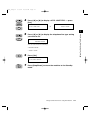
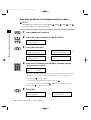
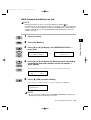
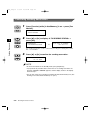
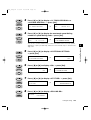
Press [4 ] or [ e] to display <2.UNIT NAME> ➞ press [Set].
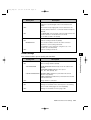
USER SETTINGS
2.UNIT NAME
➞
_
Set
ABC
DEF
GHI
JKL
MNO
PRS
TUV
WXY
OPER
8
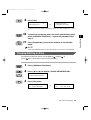
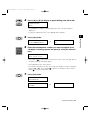
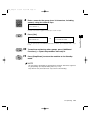
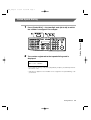
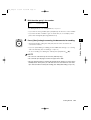
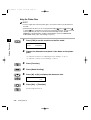
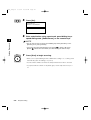
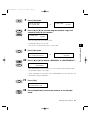
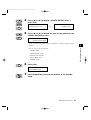
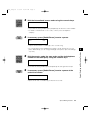
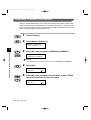
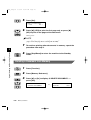
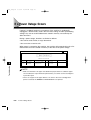
Enter your name or company’s name (max. 24 characters,
including spaces), using the numeric keys.
SYMBOLS
:A
Tone
CANON
•
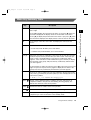
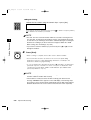
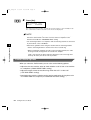
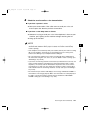
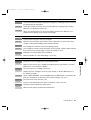
If you are unsure how to enter characters, see “Entering Names, Numbers, and
Symbols,” on p.1-7.
•
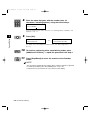
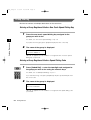
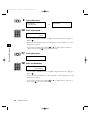
If you have already registered your name or company’s name, the previous entry
will be displayed. To change your name, press [Clear]
to delete the previous
entry and re-enter the name.
•
Press [Space]
•
Set
9
to enter a space and move the cursor to the right.
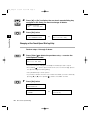
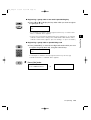
If you make a mistake, press [4 ] or [ e] to move the cursor under the character
you want to delete ➞ press [Delete]
or press [Clear]
to delete all the
characters.
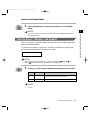
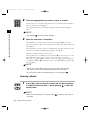
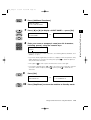
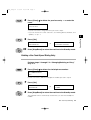
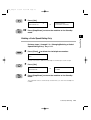
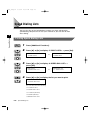
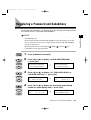
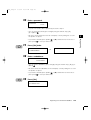
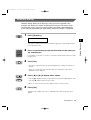
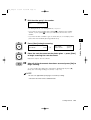
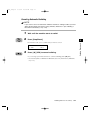
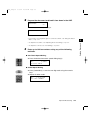
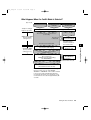
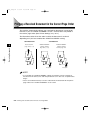
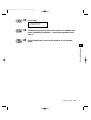
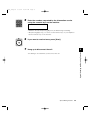
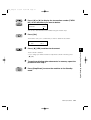
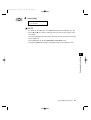
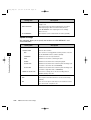
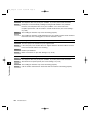
Press [Set].
:A
DATA ENTRY OK
Stop/Reset
10
➞
1
:A
USER SETTING
3. TX TERMINAL ID
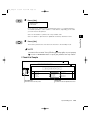
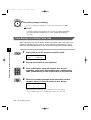
Press [Stop/Reset] to return the machine to Standby mode.
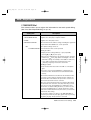
Things You Must Do Before Using This Machine
1-15
Before You Start Using This Machine
7