1
Chapter 3
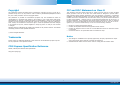
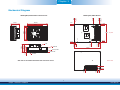
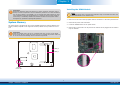
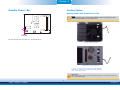
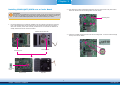
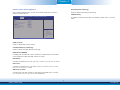
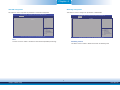
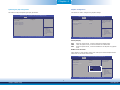
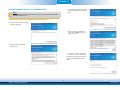
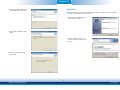
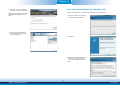
8. From the bottom of the board, fasten the provided bolt into the screw and then connect
the heat spreader/heat spreader with heat sink and fan’s cable to the fan connector on
CR960-QM77/HM76.
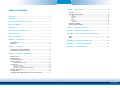
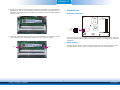
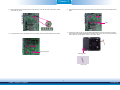
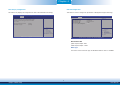
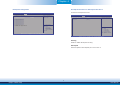
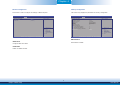
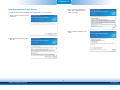
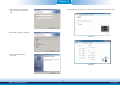
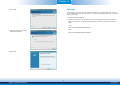
10. Press CR960-QM77/HM76 down firmly until it is completely seated on the COM Express
connectors of the carrier board.
CR960-QM77/HM76
Carrier board
Fan connector
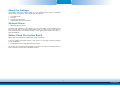
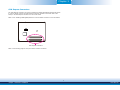
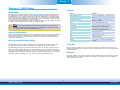
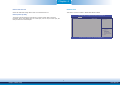
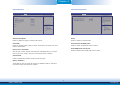
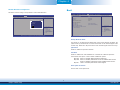
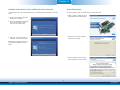
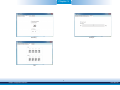
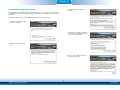
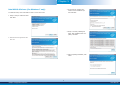
11. Use the provided mounting screws to secure CR960-QM77/HM76 with heat sink to the
carrier board. The photo below shows the locations of the long/short mounting screws.
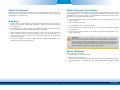
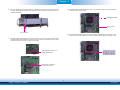
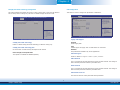
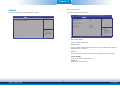
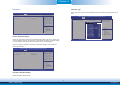
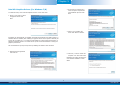
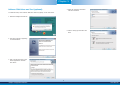
9. Grasping CR960-QM77/HM76 by its edges, position it on top of the carrier board with its
mounting holes aligned with the bolts on the carrier board. This will also align the COM
Express connectors of the two boards to each other.
COM Express connectors on
CR960-QM77/HM76
Long screws
COM Express connectors
on the carrier board
32
Chapter 3 Hardware Installation
www.dfi.com