1
Hardware Upgrades
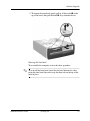
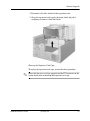
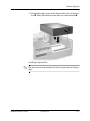
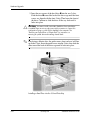
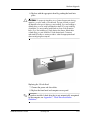
7. Install the expansion card.
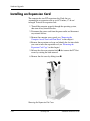
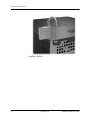
Installing an Expansion Card
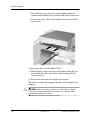
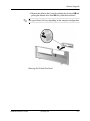
8. Rotate the slot cover retention latch back in place to secure the
expansion card.
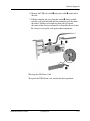
you install an expansion card, make sure to line it up with
✎ When
the corner bracket, then press firmly on the card so that the whole
connector seats properly in the expansion card slot.
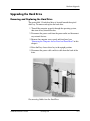
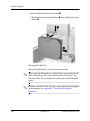
9. Replace the expansion card cage.
Ä
Hardware Reference Guide
CAUTION: If you remove an expansion card, you must replace it with a
new card or cover the open slot (for example, with a metal slot cover) for
proper air circulation to cool internal components during operation.
www.hp.com
2-11