1
6
Solving System Imaging Problems
6
This chapter provides solutions for common problems you
might encounter while working with NetBoot and NetInstall.
This chapter contains solutions to common system imaging problems.
General Tips
 Make sure a DHCP service is available on your network. It can be provided by the
Mac OS X Server DHCP service or another server.
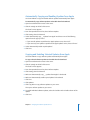
 Make sure required services are started on the server. See “Network Service
Requirements” on page 46. Open Server Admin and verify the following:
 If you’re booting Mac OS X diskless clients, AFP is started
 If you’re using HTTP instead of NFS to deliver images, Web service is started
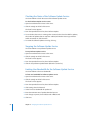
If NetBoot Client Computers Won’t Start
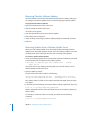
If your NetBoot client computers will not start:
 Sometimes a computer might not start immediately because other computers are
putting a heavy demand on the network. Wait a few minutes and try starting again.
 Make sure all cables are properly connected and that the computer and server are
getting power.
 If you installed memory or an expansion card in the client computer, make sure it is
installed properly.
 If the computer has a local hard disk with a System Folder on it, disconnect the
Ethernet cable and try to start the computer from the local hard disk, then reconnect
the Ethernet cable and try to start the computer from the network.
 Boot the client computer from a local drive and verify that it is getting an IP address
from DHCP.
 On a diskless or systemless client, start from a system CD and use Startup Disk
preferences to select a boot image.
69