1
Testing the phone
Step by Step
Testing the phone
Phone functions, testing
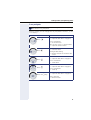
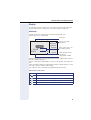
You can test your phone’s functionality.
Prerequisite: The phone is in idle mode.
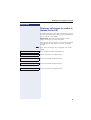
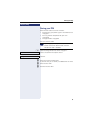
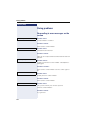
N Open the Program/Service menu Æ page 27.
Phone test
Select and confirm the option shown.
If everything is functioning correctly:
• all LEDs on the phone and on the key module flash
• your station number is displayed
• all pixels are active on the display
• the ring tone is audible
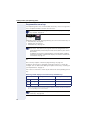
Checking the key assignment
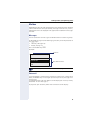
You can check key assignment on your phone to determine which functions are assigned to which keys.
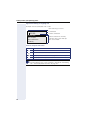
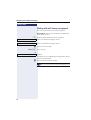
N Open the Program/Service menu Æ page 27.
Prog. feature key
Select and confirm the option shown.
S Press any key. The key assignment is displayed.
Exit
122
Select and confirm the option shown.