1
Enhanced phone functions
Step by Step
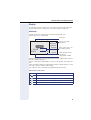
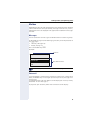
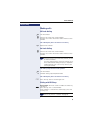
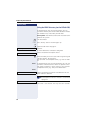
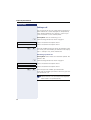
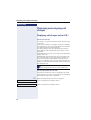
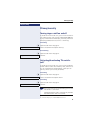
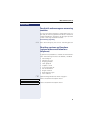
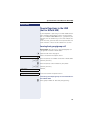
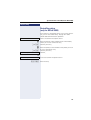
Making calls using system speed-dial numbers
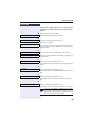
Prerequisite: You know the system speed-dial numbers (consult your service personnel).
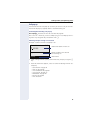
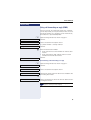
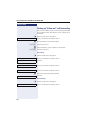
N Open the Program/Service menu Æ page 27.
Use speed dialing
Select and confirm the option shown.
j Enter a three-digit speed-dial number.
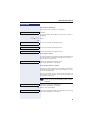
if nec. Suffix-dialing
j If necessary, you can suffix-dial additional digits
(for example, the user’s extension) at the end of the saved station number.
If this feature is configured, a suffix is automatically dialed (for example, "0" for the exchange) if no entries are
made within 4 or 5 seconds.
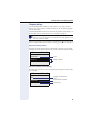
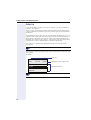
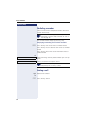
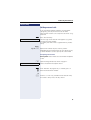
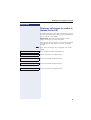
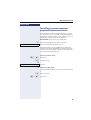
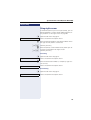
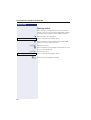
Dialing with speed-dial keys
Prerequisite: You have configured speed-dial keys
Æ page 52.
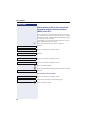
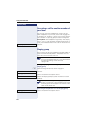
N Open the Program/Service menu Æ page 27.
Use speed dialing
Select and confirm the option shown.
) Press the key shown.
j Press the required speed-dial key.
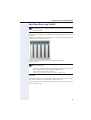
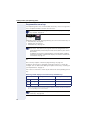
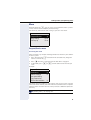
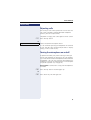
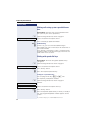
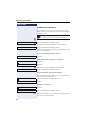
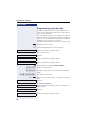
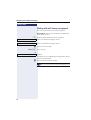
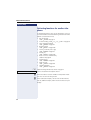
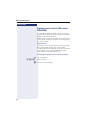
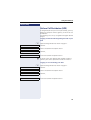
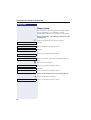
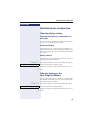
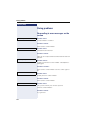
Configure a speed-dial key
You can program the keys 0 to 9 with
ten frequently used phone numbers.
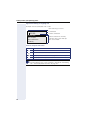
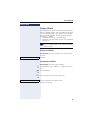
N Open the Program/Service menu Æ page 27.
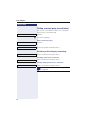
Destinations
Change Speed Dial
g
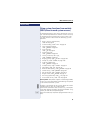
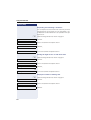
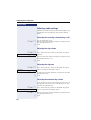
Confirm.
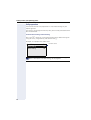
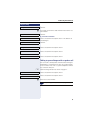
Select and confirm the option shown[1].
) Press the key shown.
j Press the required speed-dial key. If the key is already in
use, the programmed phone number appears on the
screen.
[1] "Different Displays in a HiPath 4000 Environment"
52