1
00.book
49 ページ 2001年4月20日 金曜日 午後9時34分
DUAL PAGE COPY
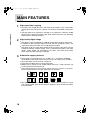
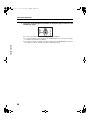
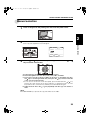
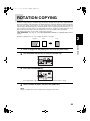
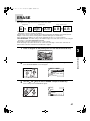
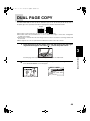
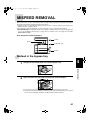
The DUAL PAGE COPY feature produces individual copies of two documents placed side by side on
the platen glass. It is especially useful when copying books and other bound documents.
Original
Copy
● This
feature can be used in the one-sided to two-sided copying mode.
feature cannot be used with the 2 in 1 / 4 in 1, center erase, edge + center erase, enlargement
or staple sort features.
● If this feature is selected when the auto image feature has been selected, the auto image feature will
be canceled.
● When originals are set in an optional SPF or RSPF, this feature cannot be selected.
● This
1
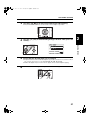
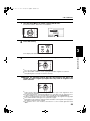
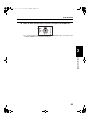
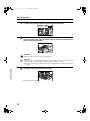
Place the originals on the platen glass with the center of the two pages
aligned with the paper size index ( 812 ). Close the platen cover.
3
2
SPECIAL FUNCTIONS
● Set
the page to be copied first to the right of the paper size index mark.
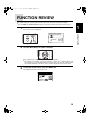
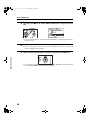
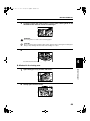
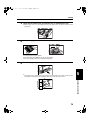
Press the SPECIAL FUNCTION key. Then press the OK key.
● The
SPECIAL MODES screen will appear.
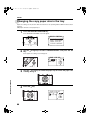
SPECIAL MODES
MARGIN SHIFT
ERASE
DUAL PAGE COPY
[OK]:ADJUST
49