1
Setting the Async Parameters (Gateway and Remote)
Procedure
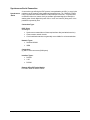
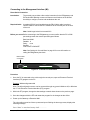
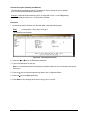
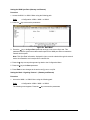
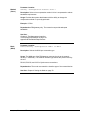
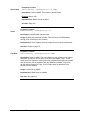
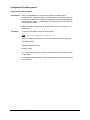
1. Access the WAN 1 or WAN 2 Menu using the following path;
Path:
->Configuration->WAN 1 or 2->Async_Setup
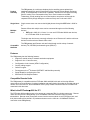
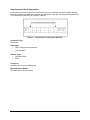
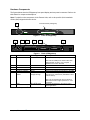
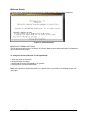
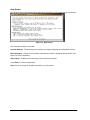
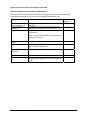
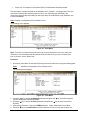
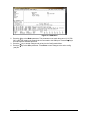
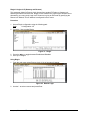
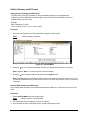
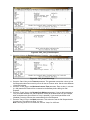
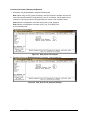
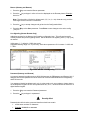
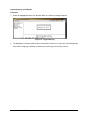
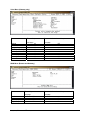
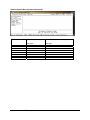
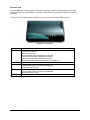
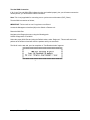
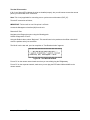
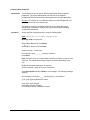
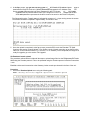
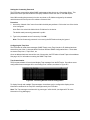
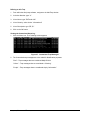
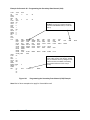
The following menu appears.
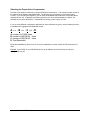
2. Press the → key to access the parameters.
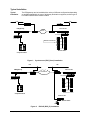
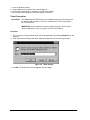
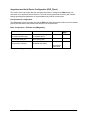
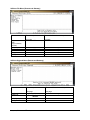
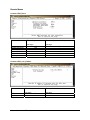
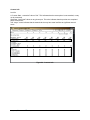
Figure 27: Async_Setup Menu
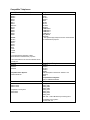
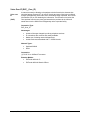
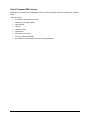
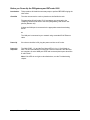
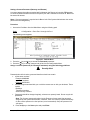
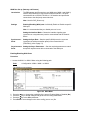
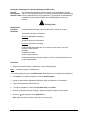
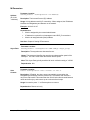
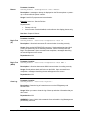
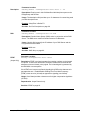
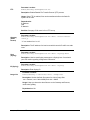
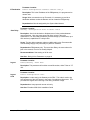
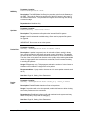
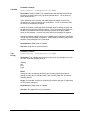
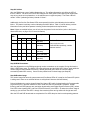
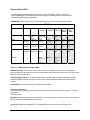
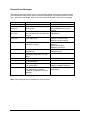
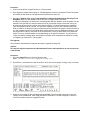
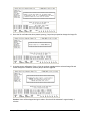
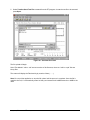
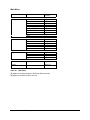
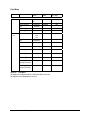
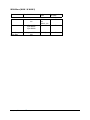
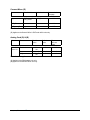
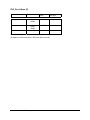
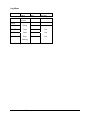
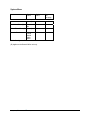
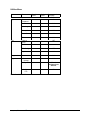
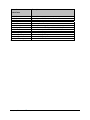
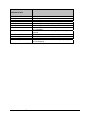
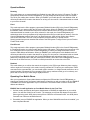
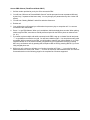
3. Press the → key to the DCE Type parameter. Press the → key to select the network device
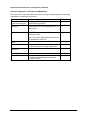
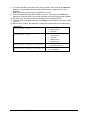
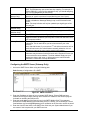
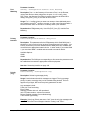
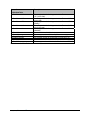
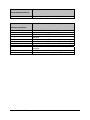
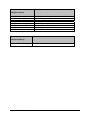
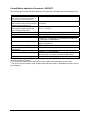
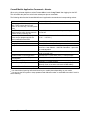
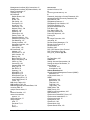
being used. A list of recommended devices is in the table below.
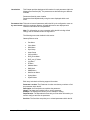
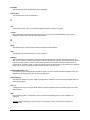
MFG
TA’s (for Async)
Motorola
Adtran
3Com
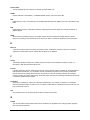
TA’s (for Sync 128k bonding) Motorola
Adtran
Paradyne
CSU/DSU’s
Adtran
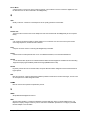
General
DataComm
RAD
ADC Kentrox
Motorola
Larscom
Orion
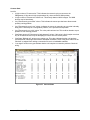
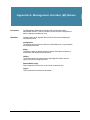
Table 13:
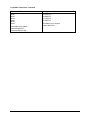
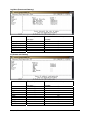
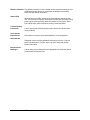
Model(s)
(see note)
Bitsurfr Pro
Bitsurfr Pro EZ
ISU 128 (see note)
ISU 2X64
Express 3000
Express NTU
ISDN TA
Bitsurfr Pro
ISU 128 (see note)
ISU 2X64
Acculink 3165
7110 SNMP
TSU LT
DeskTop 554A
FCD-1L
DataSmart Max
72761, 78640
FT100S
56/T1
DCE Models
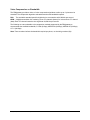
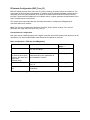
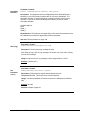
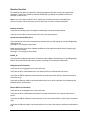
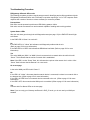
Note: In order for the Async-RS 232 Dial feature to work properly for these devices, you need
to set each device to “RS232”, and setup each device to accept incoming “AT Commands”.
Consult the documentation provided with each device for proper instructions.
TM
PBXgateway™ & EXTender
6000 System Administrator’s Guide
73