1
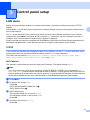
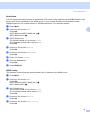
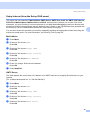
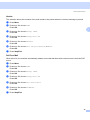
Control panel setup
d
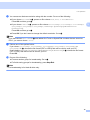
Press a or b to choose TCP/IP.
Press OK.
e
Press a or b to choose Subnet Mask.
Press OK.
f
g
Press 1 to choose Change.
h
Press Stop/Exit.
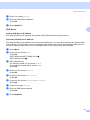
3
Enter the Subnet Mask address.
Press OK.
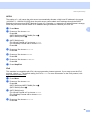
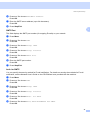
Gateway
3
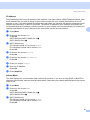
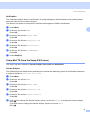
This field displays the current gateway or router address used by the machine. If you are not using DHCP or
BOOTP to obtain the gateway or router address, enter the address you wish to assign. If you do not have a
gateway or router, leave this field blank. Check with your network administrator if you are unsure.
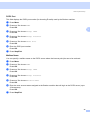
a
b
Press Menu.
Press a or b to choose LAN.
Press OK.
(MFC-7440N and MFC-7840N) Go to d.
(MFC-7840W) Go to c.
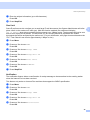
c
(MFC-7840W only)
(For Wired) Press a or b to choose Wired.
(For Wireless) Press a orb to choose WLAN.
Press OK.
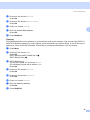
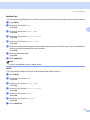
d
Press a or b to choose TCP/IP.
Press OK.
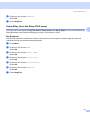
e
Press a or b to choose Gateway.
Press OK.
f
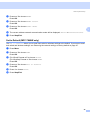
g
Press 1 to choose Change.
h
Press Stop/Exit.
Enter the Gateway address.
Press OK.
20