1
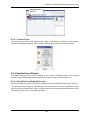
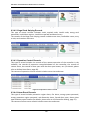
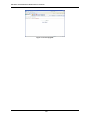
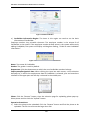
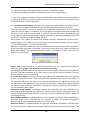
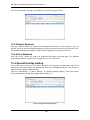
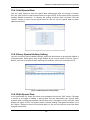
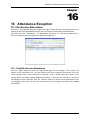
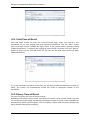
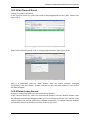
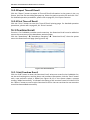
NAV Series TCP/IP Standalone Network Access Controller Chapter 16 Attendance Exception 16 16.1 No-Access-Attendance Function: If a Cardholder member forgets to bring or swipe the card, the registration of not swiping a card must be added to ensure the correctness of Attendance statistical data. Click the menu bar “Attendance” “Attendance Exception” “No‐Access‐Attendance,” then the system enters the registration page (see Page 16‐1). Figure 16-1 No-Access-Attendance 16.1.1 Add No-Access-Attendance Click the “Add” button to enter the registration page of not swiping a card, select one record in the Cardholder list, set card swiping time and comment information, click the “Save” button, then a new record of not swiping a card is added (see Figure 16‐2). If the system shows a prompt reading “Added successfully,” it indicates the setting of a record of not swiping a card is finished. Click the “Return” button to return to the registration list of not swiping a card. You can see the new record of not swiping a card has been added successfully. 99