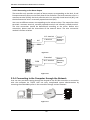
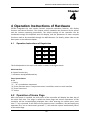
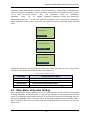
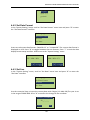
1
NAV Series TCP/IP Stan
ndalone Netwo
ork Access Con
ntroller
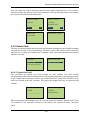
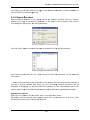
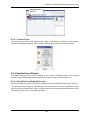
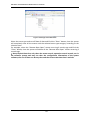
Figure 6-3
3 Convert exp
ported file
1) In tthe dialog b
box, select ““All Files” ass Save type,, and select “UTF‐8” ass code. 2) Clicck the “Savee” button to
o finish conversion. 3) Op
pen the con
nverted filee with Exceel and checck whetherr the Chineese charactters are normally displayed. 6.1.7 Print Fu
unction
Most fu
unctional m
modules in the system p
provide “Print” functio
ons. Click the “Print” bu
utton in the pagge to enter the print p
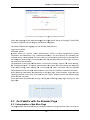
page (see Figgure 6‐4). TThe menu b
bar includess an Export Report, Print Reeport, Refreesh, Switch Tree, Go to
o First Page
e, Go to Preevious Pagee, Go to Nexxt Page, Go to LLast Page, G
Go to Page,, Close Currrent View, SSearch Textt, Zoom, an
nd other fun
nctional operatiions.The op
perations of o printing in the systtem are all the samee and will not be repeateedly describ
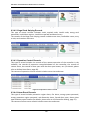
bed. Figure 6-4
4 Print user in
nformation
6.2 First Us
se
6.2.1 Login Page
Open b
browser and
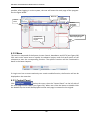
d input the IP address of the controller in thee address bar. If the usser does not carrry out any settings forr the IP add
dress, the de
efault IP address of the controllerr will be 192.168.1.200. Fo
ollowing th
he promptss on the page, p
inputt login nam
me, passwo
ord and identifyying code an
nd Click thee “Login” bu
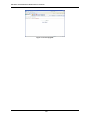
utton. See Figure 6‐5:
46