1
NAV
V IP Access controller
c
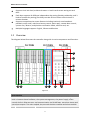
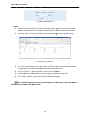
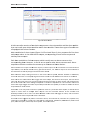
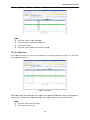
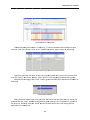
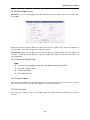
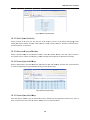
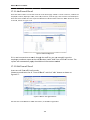
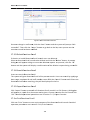
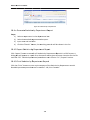
Figurre17‐4Search N
No‐Access‐Atteendance Enrollm
ments 17.1.5
5 ExportNo
o‐Access‐A
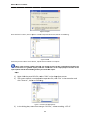
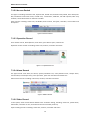
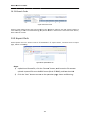
Attendancce Click “eexport” buttton to transsfer all No‐A
Access‐Attendance records in a CSSV format. A
A dialog box will appear so
o a path for a document can be givven. Choosee a location for the file and click “O
Ok”. Detailed operation
nal procedu
ures are in section 7.1.7
7, Export Fu
unction. 17.1.6
6 PrintNo‐A
Access‐Atttendance
Click th
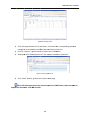
he “Print” button to enter a print rrequest of the No‐Acceess‐Attendance recordss. Detailed operation
n procedurees are in secction7.1.8, P
Print Functiion. 17.2 TTime‐off Enroll Functio
on: If a stafff member asks for a leaave of absen
nce, it is necessary to aadd a “Time
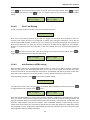
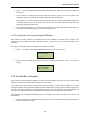
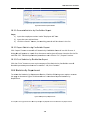
e‐off Enroll” record to eensure statistical validitty of work aattendance. Click th
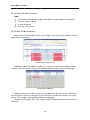
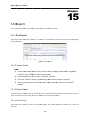
he followingg menu optiions to enteer the page as shown o
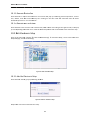
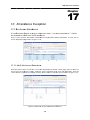
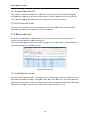
on Figure17‐‐5: Attendance > Attendance Exception > Timee‐off Enroll.
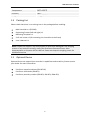
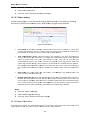
Figuree17‐5 Time‐offf Enroll 140