1
AastraLink Pro 160 IP Phone User Guide
Plugging in and Starting Your IP Phone
Preferences
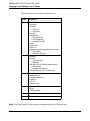
The Preferences menu allows you to set the contrast setting for your LCD display,
and the audio settings on your phone. Available options are described in the
following table.
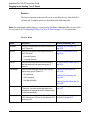
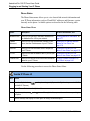
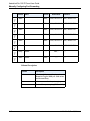
Preferences Menu
Option
Description
For more information, see
Display
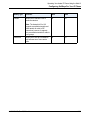
Allows you to set the following on your phone:
“Setting Display” on page 2-70.
Set Audio
•
Contrast Level
•
Backlight
Allows you to set the following on your phone:
•
(for models that
support audio) •
Audio Mode
“Setting Audio (not available on 51i)”
on page 2-73.
Headset Mic Volume
Handset Pairing For models 57i CT and 9480i CT, this option allows “Changing the Handset Pairing (CT
you to pair and unpair the handset with the base
models only)” on page 2-76.
phone.
(CT models
only)
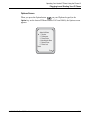
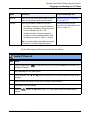
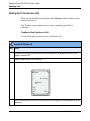
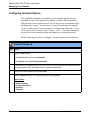
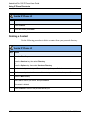
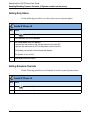
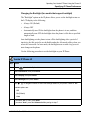
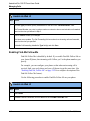
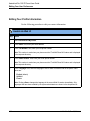
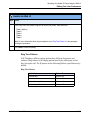
Use the following procedure to access the Preferences Menu.
Aastra IP Phone UI
Step
Action
1
Press the Option button
and 9480i IP Phones.)
2
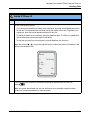
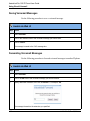
Select Preferences from the Options Menu.
3
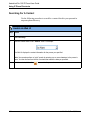
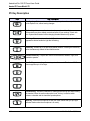
To go to an option, use
the option.
4
Use the softkeys that display for each option to change a selected option.
2-18
on the phone key pad. (Or press the Options key on model 9143i
and
to scroll through the list, or press the number corresponding to
41-001134-05, Rev 00, Rel. 1.1