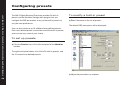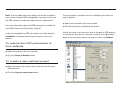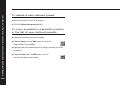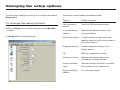
1
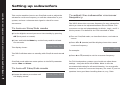
Changing the listening position
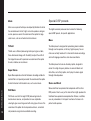
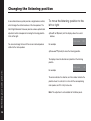
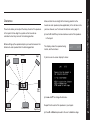
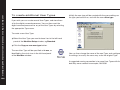
A conventional stereo system provides a single balance control,
which changes the relative loudness of the two speakers. The
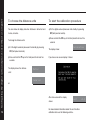
To move the listening position to the
left or right
568.2 Digital Surround Processor provides a more sophisticated
adjustment which corresponds to moving the listening position
to the left or right.
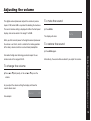
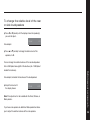
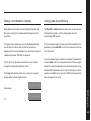
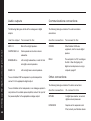
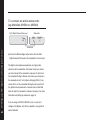
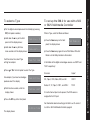
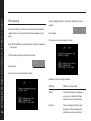
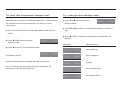
● Press > or < (remote) until the display shows the current
balance.
Balance
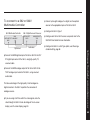
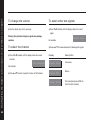
You can also change the level of the rear or side loudspeakers
<0>
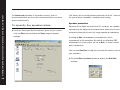
For example:
relative to the main speakers.
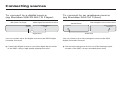
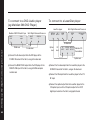
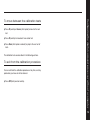
● Press A or V (remote) to move the listening position.
The display shows the direction and position of the listening
position.
Defining your own presets
Balance
28
<8
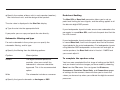
For example:
The arrow indicates the direction, and the number indicates the
position where 0 is central, 8 is in line with the corresponding
main speaker, and 10 is fully to one side.
Note: This adjustment is not available for the Mono preset.