1
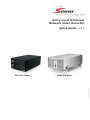
4 Channel (Basic)
Quick Installation Guide
Network Video Recorder
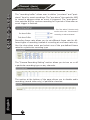
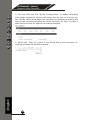
5. Click on “Detect” to establish connection between the recorder and
the camera. If connection establishes successfully, camera’s detailed
information should be polled and displayed as below
6. Adjust its video format, frame rate, resolution or bitrate…etc if you
wish and then click “Add” to finish adding the camera
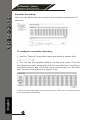
Add a camera manually
Simply follow the instruction described above but instead of
using the “Search” function, enter the camera’s IP address and credential in the “Camera Information” manually, then follow step 5 ~6
described above.
2.
1.
English
Enter manually
16