1
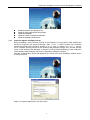
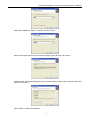
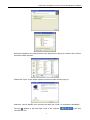
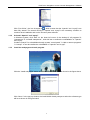
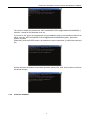
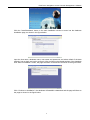
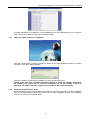
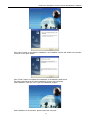
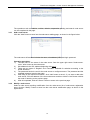
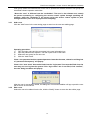
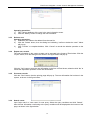
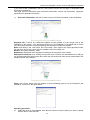
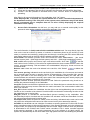
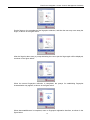
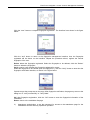
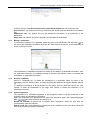
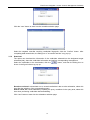
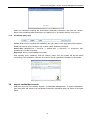
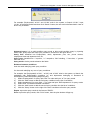
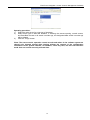
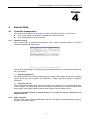
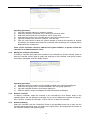
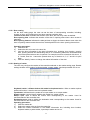
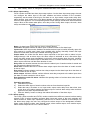
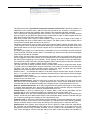
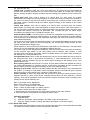
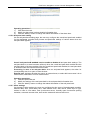
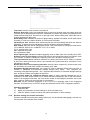
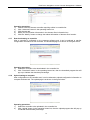
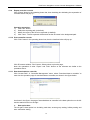
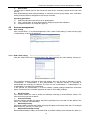
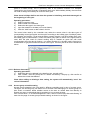
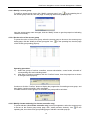
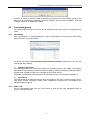
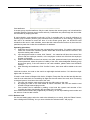
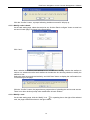
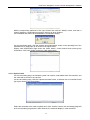
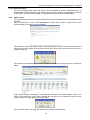
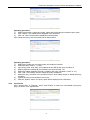
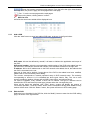
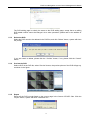
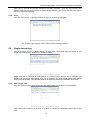
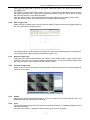
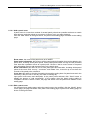
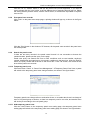
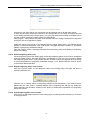
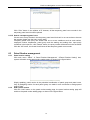
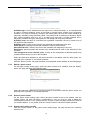
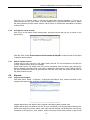
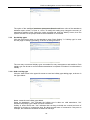
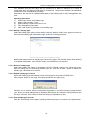
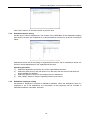
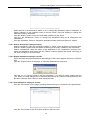
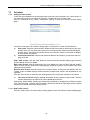
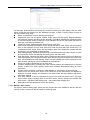
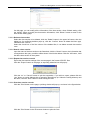
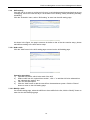
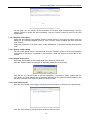
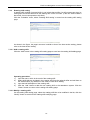
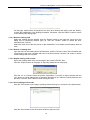
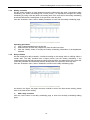
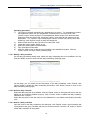
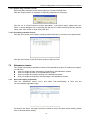
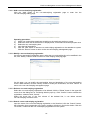
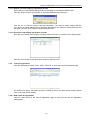
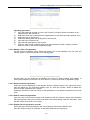
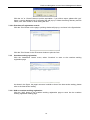
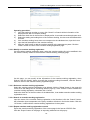
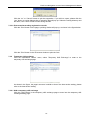
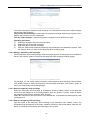
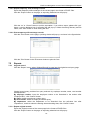
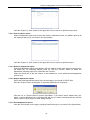
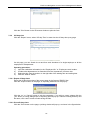
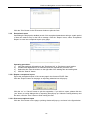
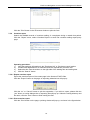
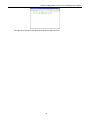
EverFocus Navigation Access Control Management Software 1.3.1 Install the Apache and Mysql server Install the web pages and main program Install the database Install the COM+ controller component Install the desktop reader driver Install the Apache and Mysql server Before installation, ensure that the Port 80 of the computer is not occupied, check whether the port 80 is occupied in the aa.txt file through “start” “run” “CMD” console of the windows system and inputting the command: “netstat –a –n –o | more” or “netstat –a –n –o >> c:\aa.txt”. If it is occupied, find the process in the windows task manager through “PID” process number (“view” in the windows Task Manager select the “PID”(process identifier)(p) in the “select list” of the windows task manager) and close it, afterwards, install the software. Click the "Install Apache server and Mysql server” button in the main installation window shown in the figure below: Select “I accept the agreement” and click “Next”. 2