1
Basic adjustment settings
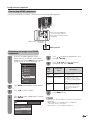
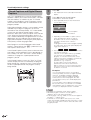
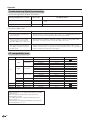
Digital Setup
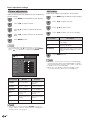
This setting allows you to optimize the settings of
Digital broadcasting.
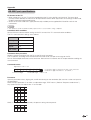
Audio Setup
You can output digital audio to an AV amplifier or
similar device whose DIGITAL AUDIO INPUT terminal
is connected to the DIGITAL AUDIO OUTPUT terminal
on the TV. Please select an audio output format
compatible with the audio format of the program you
are watching and the equipment connected.
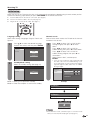
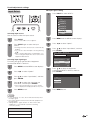
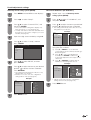
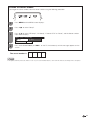
1
2
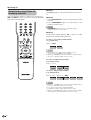
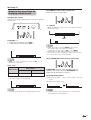
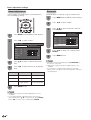
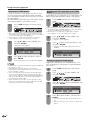
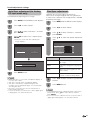
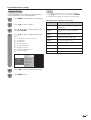
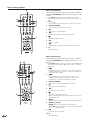
Press MENU and the MENU screen displays.
Press c/d to select “Digital Setup”.
3
Press a/b to select “Audio Setup”, and then
press ENTER.
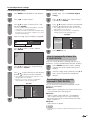
4
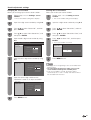
Press a/b to select “PCM” or “Dolby
Digital”, and then press ENTER.
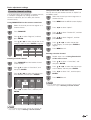
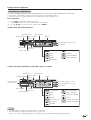
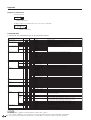
PCM
Dolby Digital
Selected item
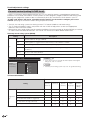
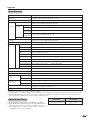
PCM
The optical output terminal outputs
audio signal in PCM form. If your
digital audio system does not support
Dolby Digital, select “PCM”.
Dolby Digital
The optical output terminal outputs
audio signal in Dolby Digital form.
It reproduces sound from surround
program of digital.
5
28
Description
Press MENU to exit.