1
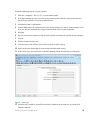
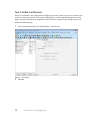
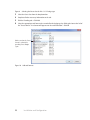
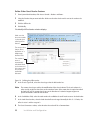
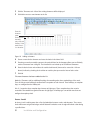
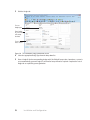
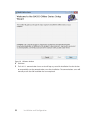
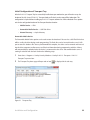
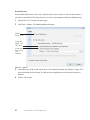
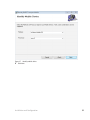
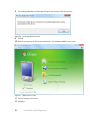
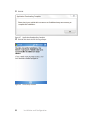
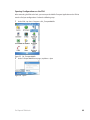
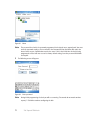
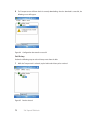
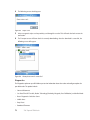
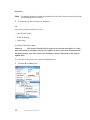
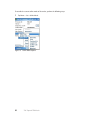
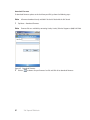
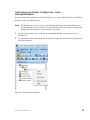
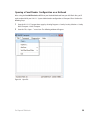
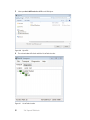
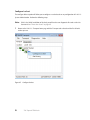
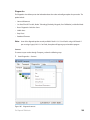
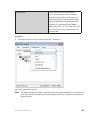
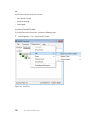
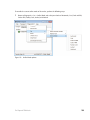
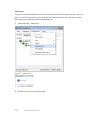
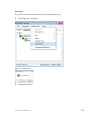
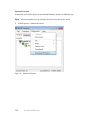
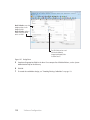
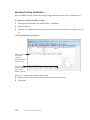
2 Right-click on the desired reader configuration and select Configure Lockset. The following window will
appear:
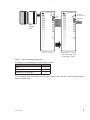
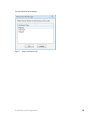
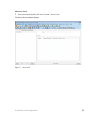
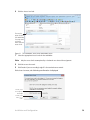
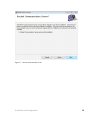
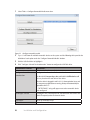
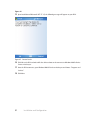
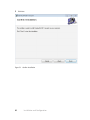
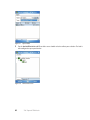
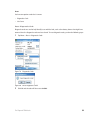
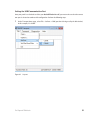
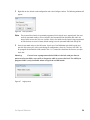
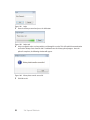
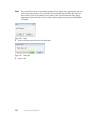
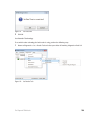
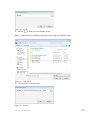
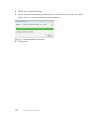
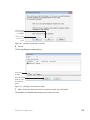
Figure 96 Enter password
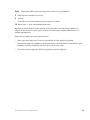
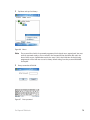
Note The password for a lock is the password programmed in the virtual access control panel. You must
enter the password exactly as it was entered in the Password field on the Offline lock tab in the
Access Panels screen since it is case sensitive. If this is the initial time the lock is being programmed
or if the lock was reset to its factory default setting, leave the password field blank and tap OK.
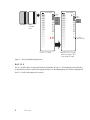
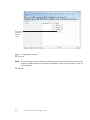
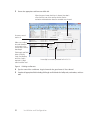
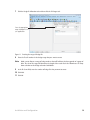
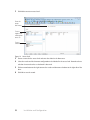
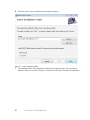
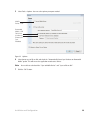
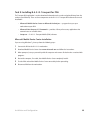
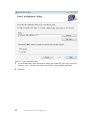
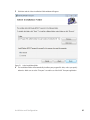
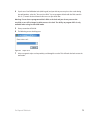
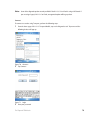
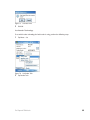
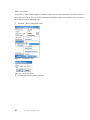
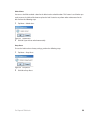
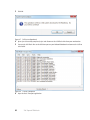
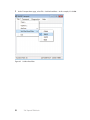
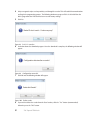
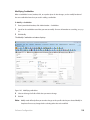
3 Enter the password and press the OK button. If you have a Dual Validation Lock (with keypad) and
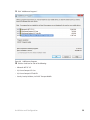
you wish to preserve pins at the reader during the configuration, select the “Preserve User PINs”. Or,
to reprogram the lock with the PINs stored in B.A.S.I.S., remove the check from the Preserve user pins
check box.
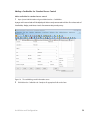
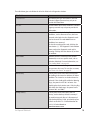
Warning
If users have reprogrammed their PINs at the lock and you do not
preserve the user PINs, users will no longer be able to access the lock. The ability to
program PIN’s is only available when using Card and PIN mode.
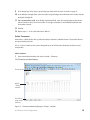
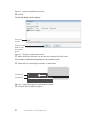
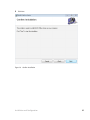
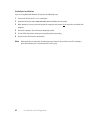
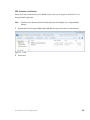
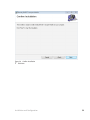
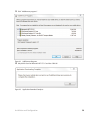
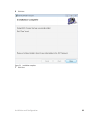
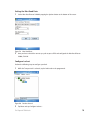
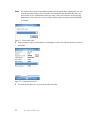
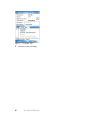
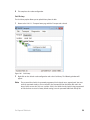
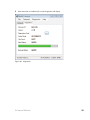
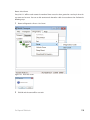
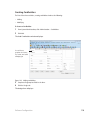
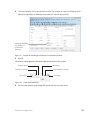
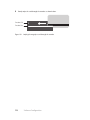
Figure 97 Login process
Set Up and Maintain
96