1
Power Up the Media Controller
Plug the Media Controller power cord (provided) into an
electrical outlet.
Change Front Panel Information
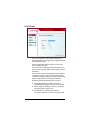
To view or change the system configuration:
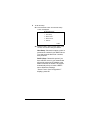
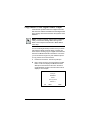
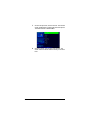
1. On the front panel, press the SETUP button. The
System Configuration screen plays:
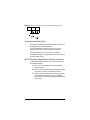
SYSTEM CONFIGURATION
Host setme
DHCP Client
IP xx.xx.xx.xxx
MSK 255.255.0.0
MAC 00:0F:FF:00:01:30
EDIT
LCD
CANC
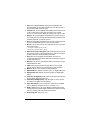
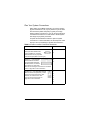
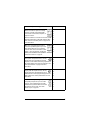
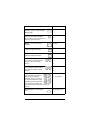
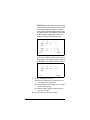
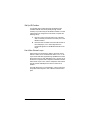
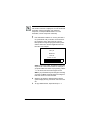
The menu options are:
EDIT: Press this to change the network setup.
LCD: Press this to set Brightness or Contrast
preferences for the LCD.
CANC: Press this to exit the screen without making
changes and return to the default system screen.
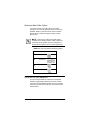
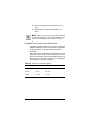
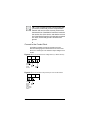
NOTE: The default configuration is DHCP Client. This
default setting assumes that your network system has a
device serving as the DHCP Server, such as a network
gateway, switch, or router. If there is not a DHCP server
in the network, you will need to choose another option.
20